How to Build Your Own AI Agents in 2026: Complete Python Tutorial
AI agents are autonomous programs that use large language models to reason, plan, and take actions to accomplish goals. Unlike a simple chatbot that just responds to prompts, an agent can break down complex tasks, use external tools, remember context across interactions, and make decisions on its own. Think of it as giving an LLM hands, eyes, and a memory.
In 2026, AI agents have gone from experimental to production-ready. Companies are deploying them for customer support, code generation, data analysis, research automation, and workflow orchestration. The global AI agent market is projected to exceed $47 billion by 2030, and right now is the best time to learn how to build your own.
The 4 Core Components of Every AI Agent
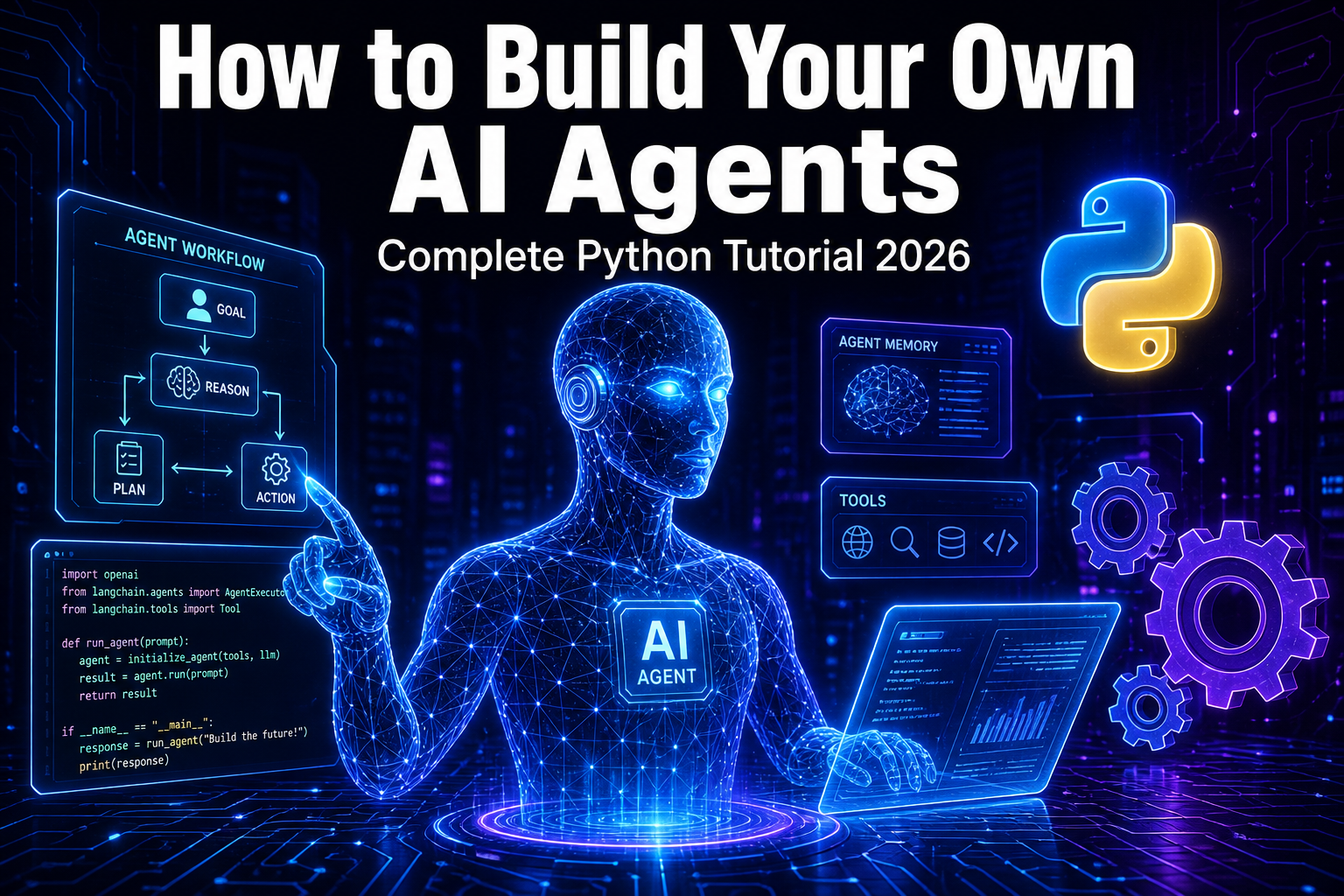
Every AI agent, whether built from scratch or using a framework, has exactly four components that separate it from a regular chatbot.
1. The LLM (Brain): This is the reasoning engine. Models like Claude, GPT-4, Gemini, or open-source options like Llama 4 and Mistral serve as the brain that processes information and decides what to do next.
2. Memory: Short-term memory holds the current conversation and task context. Long-term memory uses vector databases like Pinecone, ChromaDB, or simple SQL stores to persist information across sessions. Without memory, your agent forgets everything between interactions.
3. Tools: These are Python functions exposed to the LLM via a schema. The LLM generates a structured JSON object requesting a function call, your agent code intercepts that request, executes the actual function, and returns the result as an observation.
4. The Agent Loop (Runtime): This is the orchestration layer that ties everything together. It follows the ReAct pattern: Reason about the task, Act by calling a tool, Observe the result, and repeat until the goal is achieved.
Method 1: Build an AI Agent From Scratch in Python
Building from scratch teaches you exactly how agents work under the hood. We will use the Anthropic Claude API, but you can swap in any LLM provider.
Step 1: Set Up Your Environment
pip install anthropic python-dotenv

# Create a .env file with your API key
ANTHROPIC_API_KEY=your-api-key-here
Step 2: Define Your Tools
Tools are regular Python functions with a schema that tells the LLM what the function does, what parameters it accepts, and what it returns.
import json

def get_weather(city: str) -> str:
    return f"Weather in {city}: 22C, Partly Cloudy"

def search_web(query: str) -> str:
    return f"Search results for: {query}"

def calculate(expression: str) -> str:
    try:
        return str(eval(expression))
    except Exception as e:
        return f"Error: {e}"

TOOLS = {
    "get_weather": get_weather,
    "search_web": search_web,
    "calculate": calculate,
}

TOOL_SCHEMAS = [
    {
        "name": "get_weather",
        "description": "Get current weather for a city",
        "input_schema": {
            "type": "object",
            "properties": {
                "city": {"type": "string", "description": "City name"}
            },
            "required": ["city"]
        }
    },
    {
        "name": "search_web",
        "description": "Search the web for information",
        "input_schema": {
            "type": "object",
            "properties": {
                "query": {"type": "string", "description": "Search query"}
            },
            "required": ["query"]
        }
    },
    {
        "name": "calculate",
        "description": "Evaluate a mathematical expression",
        "input_schema": {
            "type": "object",
            "properties": {
                "expression": {"type": "string", "description": "Math expression"}
            },
            "required": ["expression"]
        }
    }
]
Step 3: Build the Agent Loop
The agent loop sends messages to the LLM, checks if the LLM wants to use a tool, executes the tool, feeds the result back, and repeats until the LLM provides a final answer.
import anthropic
from dotenv import load_dotenv

load_dotenv()
client = anthropic.Anthropic()

class Agent:
    def __init__(self, system_prompt, tools, tool_registry):
        self.system_prompt = system_prompt
        self.tools = tools
        self.tool_registry = tool_registry
        self.conversation_history = []

    def run(self, user_message):
        self.conversation_history.append({
            "role": "user",
            "content": user_message
        })

        while True:
            response = client.messages.create(
                model="claude-sonnet-4-20250514",
                max_tokens=4096,
                system=self.system_prompt,
                tools=self.tools,
                messages=self.conversation_history
            )

            if response.stop_reason == "tool_use":
                assistant_msg = {
                    "role": "assistant",
                    "content": response.content
                }
                self.conversation_history.append(assistant_msg)

                tool_results = []
                for block in response.content:
                    if block.type == "tool_use":
                        result = self.tool_registry[block.name](
                            **block.input
                        )
                        tool_results.append({
                            "type": "tool_result",
                            "tool_use_id": block.id,
                            "content": result
                        })

                self.conversation_history.append({
                    "role": "user",
                    "content": tool_results
                })
            else:
                final = ""
                for block in response.content:
                    if hasattr(block, "text"):
                        final += block.text
                self.conversation_history.append({
                    "role": "assistant",
                    "content": final
                })
                return final

# Create and run
agent = Agent(
    system_prompt="You are a helpful assistant. Use tools when needed.",
    tools=TOOL_SCHEMAS,
    tool_registry=TOOLS
)

print(agent.run("What is the weather in Tokyo and what is 15 * 47?"))
That is a fully functional AI agent in under 80 lines of Python. It reasons about the question, decides which tools to call, executes them, and combines the results into a coherent answer.
Method 2: Build Multi-Agent Systems With CrewAI
CrewAI has surged to over 44,600 GitHub stars and processes 450 million workflows monthly. It uses a role-based paradigm where you define specialized agents that collaborate like a team of human experts.
pip install crewai crewai-toolsfrom crewai import Agent, Task, Crew, Process
researcher = Agent(
role="Senior Research Analyst",
goal="Find and analyze the latest information on any topic",
backstory="Expert researcher with 15 years of experience.",
verbose=True,
allow_delegation=False
)
writer = Agent(
role="Content Writer",
goal="Write clear, engaging content based on research",
backstory="Skilled writer who turns complex research into articles.",
verbose=True,
allow_delegation=False
)
editor = Agent(
role="Editor",
goal="Review and polish content for clarity and accuracy",
backstory="Meticulous editor with an eye for detail.",
verbose=True,
allow_delegation=False
)
research_task = Task(
description="Research the latest developments in {topic}.",
expected_output="A detailed research report with facts and insights.",
agent=researcher
)
writing_task = Task(
description="Write a comprehensive article based on the research.",
expected_output="A well-structured 800-word article.",
agent=writer
)
editing_task = Task(
description="Review and edit the article for publication.",
expected_output="A polished, publication-ready article.",
agent=editor
)
crew = Crew(
agents=[researcher, writer, editor],
tasks=[research_task, writing_task, editing_task],
process=Process.sequential,
verbose=True
)
result = crew.kickoff(inputs={"topic": "AI agents in healthcare"})
print(result)Three agents work together like a real editorial team. The researcher gathers information, the writer drafts the article, and the editor polishes it. Each agent focuses on what it does best.
Method 3: Build Stateful Agents With LangGraph
LangGraph models agent workflows as directed graphs with explicit state transitions. It has over 47 million PyPI downloads and leads in production deployments.
pip install langgraph langchain-anthropicfrom langgraph.graph import StateGraph, MessagesState, START, END
from langchain_anthropic import ChatAnthropic
from langchain_core.tools import tool
@tool
def search(query: str) -> str:
"""Search the web for information."""
return f"Results for: {query}"
@tool
def calculator(expression: str) -> str:
"""Calculate a math expression."""
return str(eval(expression))
tools = [search, calculator]
model = ChatAnthropic(
model="claude-sonnet-4-20250514"
).bind_tools(tools)
def agent_node(state: MessagesState):
response = model.invoke(state["messages"])
return {"messages": [response]}
def tool_node(state: MessagesState):
last_message = state["messages"][-1]
results = []
for tc in last_message.tool_calls:
tool_fn = {t.name: t for t in tools}[tc["name"]]
result = tool_fn.invoke(tc["args"])
results.append({
"role": "tool",
"content": result,
"tool_call_id": tc["id"]
})
return {"messages": results}
def should_continue(state: MessagesState):
if state["messages"][-1].tool_calls:
return "tools"
return END
graph = StateGraph(MessagesState)
graph.add_node("agent", agent_node)
graph.add_node("tools", tool_node)
graph.add_edge(START, "agent")
graph.add_conditional_edges("agent", should_continue)
graph.add_edge("tools", "agent")
app = graph.compile()
result = app.invoke({
"messages": [{"role": "user", "content": "What is 25 * 48?"}]
})
print(result["messages"][-1].content)LangGraph gives you fine-grained control over state transitions and is ideal for complex workflows where you need conditional branching, parallel execution, or human-in-the-loop approval steps.
Which Framework Should You Choose?
Use a from-scratch approach when you need maximum control and want to understand how agents work. Use CrewAI when your problem maps to multiple specialized roles collaborating on a task. Use LangGraph when you need production-grade state management and complex conditional workflows. For most beginners, start from scratch to learn the fundamentals, then graduate to a framework when your use case demands it.
Adding Long-Term Memory With ChromaDB
A production agent needs persistent memory. Here is a simple approach using ChromaDB for long-term vector storage that lets your agent remember past interactions.
pip install chromadbimport chromadb
chroma_client = chromadb.Client()
collection = chroma_client.create_collection("agent_memory")
class AgentWithMemory(Agent):
def __init__(self, *args, **kwargs):
super().__init__(*args, **kwargs)
self.memory = collection
def store_memory(self, text, metadata=None):
self.memory.add(
documents=[text],
ids=[f"mem_{self.memory.count()}"],
metadatas=[metadata or {}]
)
def recall(self, query, n_results=3):
results = self.memory.query(
query_texts=[query], n_results=n_results
)
return results["documents"][0] if results["documents"] else []
def run(self, user_message):
memories = self.recall(user_message)
if memories:
context = "Relevant context:\n" + "\n".join(memories)
enhanced = f"{context}\n\nUser: {user_message}"
else:
enhanced = user_message
response = super().run(enhanced)
self.store_memory(f"Q: {user_message}\nA: {response}")
return responseNow your agent remembers past interactions and can reference them in future conversations, making it significantly more useful for ongoing tasks.
Production Best Practices
Building a proof-of-concept takes a day or two. Making it production-ready takes 3 to 8 weeks. Here are the key things to get right.
Error handling: Tools fail, APIs go down, and rate limits kick in. Wrap every tool call in try-except blocks and implement retry logic with exponential backoff.
Guardrails: Set maximum loop iterations to prevent infinite agent loops. Validate tool inputs before execution. Implement cost tracking to avoid runaway API bills.
Observability: Log every step of the agent loop. Tools like LangSmith, Arize, and Helicone help you debug and monitor agent behavior in production.
Testing: Create evaluation datasets with expected inputs and outputs. Measure accuracy, latency, cost per task, and failure rate.
Security: Never let the LLM execute arbitrary code. Sandbox tool executions. Validate and sanitize all inputs. Use least-privilege API keys.
Real-World Use Cases for AI Agents in 2026
Customer support agents that resolve tickets by querying knowledge bases and taking actions in your systems. Research agents that gather, analyze, and summarize information from multiple sources. Code review agents that analyze pull requests, identify bugs, and suggest fixes. Data pipeline agents that extract, transform, and load data based on natural language instructions. Personal productivity agents that manage your calendar, draft emails, and organize your files.
The possibilities are expanding rapidly as models get smarter, cheaper, and faster. The developers who learn to build agents today will have a massive advantage in the job market of tomorrow.
Start Building Today
Pick one approach from this tutorial and build something this weekend. Start with the from-scratch Python agent, get it working with two or three tools, and you will understand more about AI agents than 90% of developers. From there, explore CrewAI for multi-agent collaboration or LangGraph for production workflows. The best way to learn is to build.