Google Googlebook 2026: The Chromebook Is Dead — AI Laptops Are Here
Table of Contents
Table of Contents
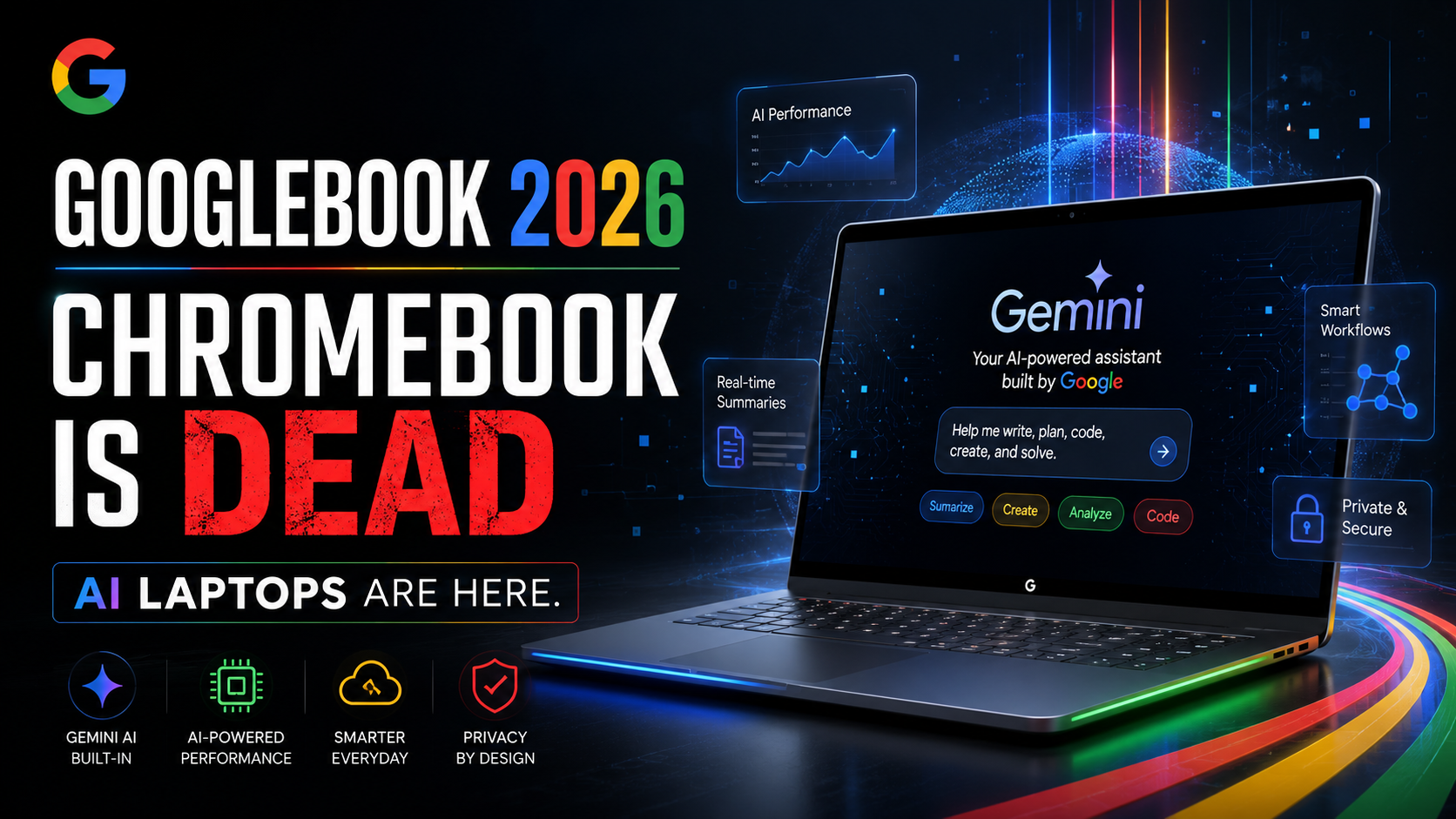
Quietly, without much of the fanfare you’d expect for the death of a product category that has shipped hundreds of millions of units, Google killed the Chromebook. On May 12, 2026, the company announced Googlebook — a completely new category of AI-first laptops built around Gemini Intelligence that replaces the Chromebook architecture with something fundamentally different. If you use a Chromebook, work in education, or just care about where the laptop market is going, this announcement changes everything you thought you knew about Google’s hardware ambitions.
What Is Googlebook?
Googlebook is Google’s new laptop platform — not a Chromebook with a new name, but a fundamentally different device running a new operating system that combines Android’s app ecosystem with ChromeOS’s browser and productivity architecture into a single intelligence-first environment.
The underlying OS is called Aluminium OS (the public codename for what has been in development internally for years). It runs the full Google Play catalog natively — no compatibility layer, no Android app limitations — while maintaining Chrome’s browser and web app capabilities. For the first time, a Google laptop can run the same apps as your Android phone without any workarounds.
The defining feature is Gemini Intelligence — the same AI framework being previewed at Google I/O 2026 next week. On Googlebook, Gemini isn’t an app you open. It’s the operating layer that understands everything on your screen and helps you act on it proactively. Every Googlebook ships with the Gemini key — a dedicated hardware button that calls Gemini from anywhere in the OS, whether you’re in a spreadsheet, a video call, or a game.
Why the Chromebook Era Is Over
ChromeOS launched in 2011 with a radical proposition: what if a laptop was just a browser? For more than a decade, this bet paid off magnificently. Chromebooks became the dominant device in K-12 education in the United States, capturing more than 60% of the education market at their peak. Their simplicity, low cost, and ease of management made them a natural fit for schools. Their security model — all apps running in the browser sandbox, no traditional software installation — made them practically immune to the malware that plagued Windows systems.
But the “everything is a browser tab” model has limits that became increasingly apparent as AI emerged as the defining feature of modern software. AI applications demand local compute, persistent memory across sessions, and access to device sensors that traditional ChromeOS browser apps struggle to leverage. The Android app compatibility layer (Crostini) that Google added to Chromebooks was a band-aid on a structural mismatch.
Googlebook solves this by abandoning the band-aid approach entirely. Aluminium OS is built from the ground up as a unified platform — Android-native computation, Chrome-native browsing, Gemini-native intelligence. No compatibility layers. No architectural compromises. According to Google’s official announcement, this is a clean-sheet design, not an evolution of ChromeOS.
Googlebook’s Key Features: Magic Pointer and Gemini Integration
The flagship feature of every Googlebook is Magic Pointer — an AI capability that sounds simple but represents a significant shift in how laptops work. Magic Pointer uses Gemini to understand what’s on your screen at any moment and suggest relevant actions. Point at an email and Magic Pointer offers to summarize it, draft a reply, or add the referenced meeting to your calendar. Point at a contract and it offers to extract key terms. Point at a product in a browser tab and it finds the best price.
This isn’t a chatbot in a side panel — it’s ambient AI that understands screen context the same way you do. The technology relies on a combination of on-device vision models and Gemini cloud inference, with privacy controls that let users specify which apps and content the AI can observe.
Other key Googlebook features include:
Quick Access phone integration: Your Android phone’s files, photos, and apps are instantly available on your Googlebook without any transfer or sync step. The phone and laptop share the same app state — open something on your phone, continue it on your laptop without any friction.
Gemini custom widgets: Ask Gemini to build you a custom dashboard that combines your email summaries, calendar, weather, and task list into a single personalized view. No coding required. The widget updates automatically and can be shared with colleagues.
The Glowbar: A physical light strip along the device that indicates AI activity, charging status, and notification states. Every Googlebook has a Glowbar — it’s the visual identity of the platform, distinguishing Googlebooks from standard Android or Windows laptops made by the same OEM partners.
Hardware Partners: Acer, ASUS, Dell, HP, Lenovo
Google isn’t building Googlebook hardware itself — at least not initially. The same OEMs that have made Chromebooks for a decade are making the first Googlebooks: Acer, ASUS, Dell, HP, and Lenovo. This is a smart move. These manufacturers have established education and enterprise sales channels, existing relationships with school districts and IT departments, and manufacturing scale that Google can’t replicate on its own.
Each OEM partner will offer their own Googlebook designs, with Google certifying them as Googlebook-compliant based on hardware requirements (minimum processor, RAM, camera specs) and software requirements (Aluminium OS, Gemini integration, the Glowbar). This mirrors the Chromebook certification model but with higher baseline hardware requirements — Googlebooks will be meaningfully more capable devices than entry-level Chromebooks.
A Google first-party Googlebook — likely branded as “Pixel Laptop” — is expected to follow the OEM launch, probably in early 2027. Google’s Pixel hardware team has reportedly been working on a flagship Googlebook to showcase the platform’s capabilities in the same way Pixel phones showcase Android.
Googlebook vs. Chromebook: What Actually Changes
If you’re currently a Chromebook user, the key question is: what changes for you? The short answer: a lot, eventually, but not immediately.
Existing Chromebooks will continue to be supported on ChromeOS for their committed support periods — typically 8-10 years from launch. Google isn’t abandoning current Chromebook users. But no new “Chromebooks” will be released after the Googlebook launch. The platform is being sunset in favor of Googlebook going forward.
For new device purchases, the differences are significant. Googlebook runs Android apps natively (no compatibility issues), has Gemini Intelligence deeply integrated, offers the Magic Pointer feature, and supports the Quick Access phone integration. Chromebooks don’t have any of these capabilities. If you’re choosing between a new Chromebook and a new Googlebook at similar price points, the Googlebook is the clear choice for almost every use case.
What This Means for Schools and Education
The education market is where Googlebook’s reception matters most. Chromebooks dominate K-12 in the U.S., and school districts have built their entire IT infrastructure around ChromeOS — management tools, app deployment, content filtering, security policies. Googlebook represents a significant migration challenge for education IT teams.
Google has announced that its Google for Education management tools will fully support Googlebook, with a migration path from ChromeOS Management that preserves existing policy configurations. But “migration path exists” is different from “migration is painless” — school districts that have invested heavily in ChromeOS tooling should expect a meaningful transition effort over the next 3-5 years as they move their fleets to Googlebook.
The AI features of Googlebook — particularly Magic Pointer and Gemini integration — are genuinely exciting for education, and potentially controversial. AI that can observe student screens and suggest actions raises real questions about appropriate use in educational settings, student data privacy, and AI-assisted academic integrity. These are conversations school districts will need to have proactively as Googlebooks enter classrooms.
Competing with MacBook and Windows Laptops
Googlebook’s ambitions extend beyond the Chromebook’s traditional budget-to-mid-range positioning. Google wants Googlebook to be a genuine alternative to MacBooks and Windows laptops — including in the premium segment. This is new territory for Google’s laptop hardware strategy.
The competitive case against Windows laptops is straightforward: Googlebook offers deeper AI integration than any Windows AI PC currently available, a cleaner app experience (Android + web vs. Win32 legacy stack), and Google’s ecosystem coherence advantage for users already on Android phones and Google Workspace. The case against MacBook is harder — Apple’s silicon performance, ecosystem integration, and professional app support are genuinely superior for many users. But Googlebook’s AI capabilities and Android integration give it a compelling story for the right audience.
The context here includes the broader AI laptop race. Microsoft has been aggressively promoting Copilot+ PCs — Windows laptops with dedicated NPUs for on-device AI. Apple is integrating Apple Intelligence into the Mac. Google is now entering with Googlebook and Gemini. Every major platform has concluded that AI is the defining feature of the next generation of laptops, and 2026-2027 will be the year consumers first experience what that actually means in practice. See our Google I/O 2026 preview for more on Google’s broader AI strategy.
When Does It Launch and What Will It Cost?
The first Googlebooks from OEM partners are expected to ship in fall 2026, with a holiday season push likely. Pricing hasn’t been officially announced, but analysts and hardware partners expect a range starting around $499 for entry-level models and extending to $999+ for premium configurations — significantly higher than entry-level Chromebooks but competitive with mid-range Windows laptops.
Google is expected to announce pricing and specific hardware configurations at Google I/O on May 19 — along with the full Aluminium OS developer preview. For education purchasing teams, the fall launch timeline means Q3 2026 is the window to evaluate Googlebook for the 2026-2027 school year deployment cycle.
Conclusion
Googlebook is the most significant laptop platform announcement since the original Chromebook in 2011 — and arguably more significant, because it’s not just a new product category but the replacement of an existing one. The Chromebook served its era well: simple, secure, affordable, browser-native. But the AI era demands more than a browser, and Google has concluded that ChromeOS’s architecture isn’t the right foundation for what comes next.
Whether Googlebook succeeds depends on whether Google can execute on its ambitions — delivering AI features that genuinely work in everyday use, maintaining the simplicity and security that made Chromebooks beloved in education, and convincing consumers and enterprises that Android + Chrome on a laptop is better than Windows or macOS for their needs. The answers to those questions will play out over the next two years. But the Chromebook era ended on May 12, 2026. The Googlebook era has begun.