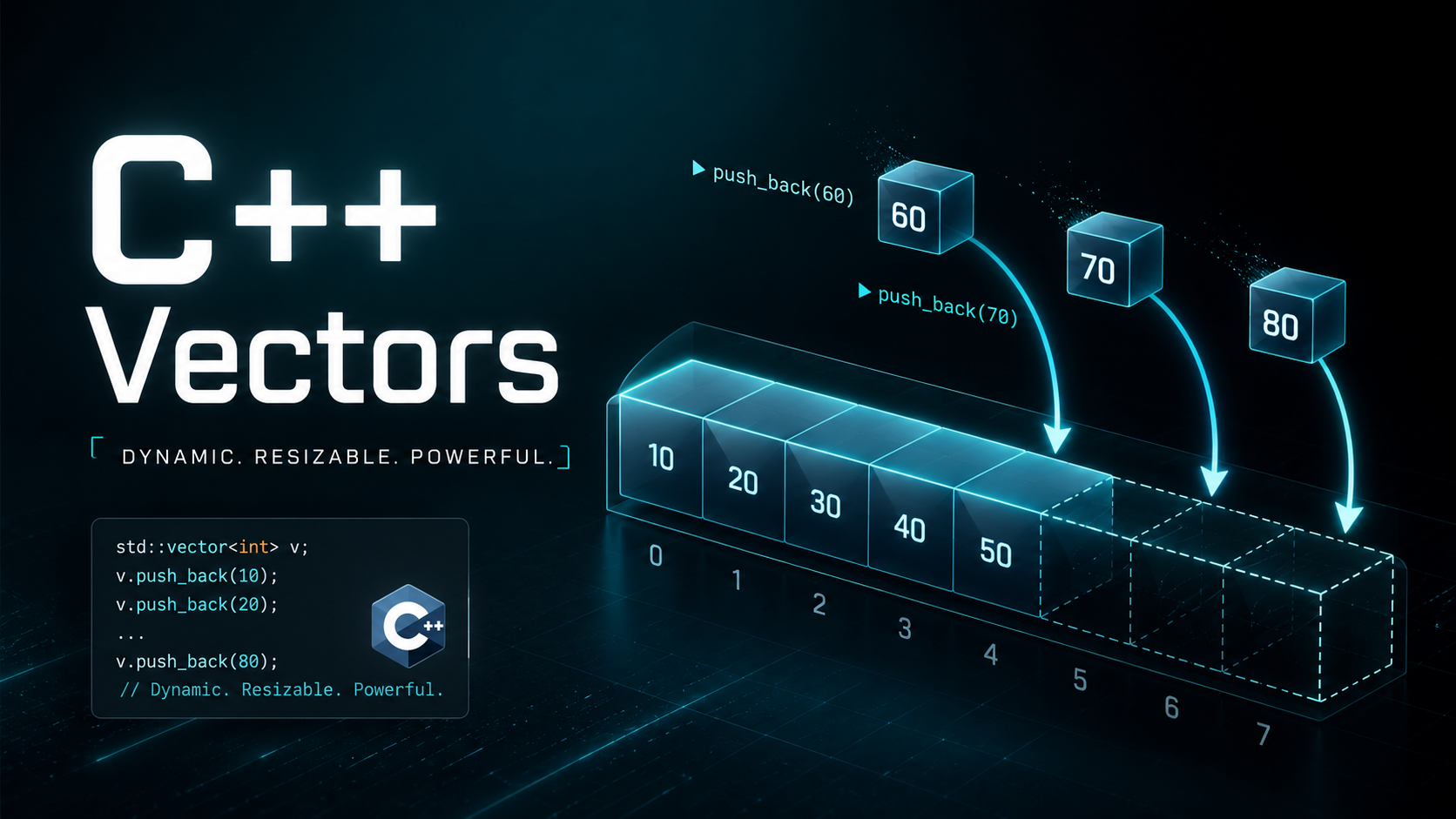
C++ Arrays: Complete Guide to C-Style Arrays
What Are C-Style Arrays?
A C-style array is a fixed-size, contiguous block of memory that holds elements of the same type. Arrays are one of the oldest data structures in programming — they map directly to how memory works at the hardware level. Every element sits right next to the previous one in memory, which makes access blazing fast.
C++ inherited arrays from C and added its own containers (std::vector, std::array) that are safer and more flexible. But understanding C-style arrays is essential because they underpin how pointers work, how memory is laid out, and how countless legacy codebases and system-level APIs are written. You will encounter raw arrays in every systems programming job, embedded project, and competitive programming contest.
Declaring Arrays
To declare an array, specify the type, the name, and the size in square brackets. The size must be a compile-time constant (or constexpr).
#include <iostream>
using namespace std;

int main() {
    int scores[5];           // 5 integers, uninitialized (garbage values)
    double prices[10];       // 10 doubles
    char letters[26];        // 26 characters
    bool flags[8];           // 8 booleans

    const int SIZE = 100;
    int data[SIZE];          // Size from a const variable — OK

    // constexpr int N = 50;
    // int buffer[N];        // Also OK with constexpr (C++11)

    // int n = 10;
    // int bad[n];           // NOT standard C++ (VLA) — works in some compilers but avoid

    cout << "Array declared with " << sizeof(scores)/sizeof(scores[0])
         << " elements" << endl;
    return 0;
}
Uninitialized arrays contain whatever garbage was in memory. Always initialize your arrays or fill them before reading.
Initializing Arrays
#include <iostream>
using namespace std;

int main() {
    // Full initialization
    int a[5] = {10, 20, 30, 40, 50};

    // Partial initialization — remaining elements set to 0
    int b[5] = {1, 2};  // b = {1, 2, 0, 0, 0}

    // Zero initialization
    int c[5] = {};       // All zeros: {0, 0, 0, 0, 0}
    int d[5] = {0};      // Same effect

    // Let compiler deduce size
    int e[] = {10, 20, 30};  // Size is 3

    // C++11 uniform initialization
    int f[4]{1, 2, 3, 4};

    // Print array b
    for (int i = 0; i < 5; i++) {
        cout << "b[" << i << "] = " << b[i] << endl;
    }
    return 0;
}
// Output:
// b[0] = 1
// b[1] = 2
// b[2] = 0
// b[3] = 0
// b[4] = 0
Accessing Elements
Array elements are accessed with the subscript operator []. Indices start at 0 and go to size-1.
#include <iostream>
using namespace std;

int main() {
    int nums[5] = {10, 20, 30, 40, 50};

    // Read elements
    cout << "First: " << nums[0] << endl;   // 10
    cout << "Last:  " << nums[4] << endl;   // 50

    // Write elements
    nums[2] = 999;
    cout << "Modified: " << nums[2] << endl; // 999

    // DANGER: out-of-bounds access — undefined behavior!
    // cout << nums[5];   // No compile error, but crashes or garbage
    // cout << nums[-1];  // Same — UB

    return 0;
}
C++ does no bounds checking on raw arrays. Accessing nums[5] on a size-5 array is undefined behavior — it might read garbage, corrupt other variables, or crash. This is one of the main reasons std::vector with .at() is preferred in modern C++.
Iterating Over Arrays
#include <iostream>
using namespace std;

int main() {
    int data[] = {5, 12, 8, 3, 17, 9};
    int size = sizeof(data) / sizeof(data[0]);

    // Method 1: Traditional for loop
    cout << "For loop: ";
    for (int i = 0; i < size; i++) {
        cout << data[i] << " ";
    }
    cout << endl;

    // Method 2: Range-based for loop (C++11)
    cout << "Range-for: ";
    for (int x : data) {
        cout << x << " ";
    }
    cout << endl;

    // Method 3: Range-for with reference (to modify)
    for (int& x : data) {
        x *= 2;
    }
    cout << "Doubled: ";
    for (int x : data) cout << x << " ";
    cout << endl;

    // Method 4: While loop
    int i = 0;
    int sum = 0;
    while (i < size) {
        sum += data[i];
        i++;
    }
    cout << "Sum: " << sum << endl;

    return 0;
}
Array Size and sizeof
The sizeof operator returns the total bytes of the array. Divide by the size of one element to get the count.
#include <iostream>
using namespace std;

int main() {
    int nums[8] = {1, 2, 3, 4, 5, 6, 7, 8};

    cout << "Total bytes:   " << sizeof(nums) << endl;        // 32 (8 * 4)
    cout << "Element bytes: " << sizeof(nums[0]) << endl;     // 4
    cout << "Element count: " << sizeof(nums)/sizeof(nums[0]) << endl; // 8

    // C++17: std::size()
    // #include <iterator>
    // cout << "Count: " << std::size(nums) << endl;  // 8

    // DANGER: sizeof does NOT work on arrays passed to functions!
    // See the "Array Decay" section below

    return 0;
}
Multidimensional Arrays
#include <iostream>
using namespace std;

int main() {
    // 2D array: 3 rows, 4 columns
    int matrix[3][4] = {
        {1,  2,  3,  4},
        {5,  6,  7,  8},
        {9, 10, 11, 12}
    };

    // Access elements
    cout << "matrix[1][2] = " << matrix[1][2] << endl;  // 7

    // Iterate
    for (int r = 0; r < 3; r++) {
        for (int c = 0; c < 4; c++) {
            cout << matrix[r][c] << "	";
        }
        cout << endl;
    }

    // 3D array
    int cube[2][3][4] = {};  // All zeros
    cube[1][2][3] = 99;
    cout << "cube[1][2][3] = " << cube[1][2][3] << endl;

    return 0;
}
In memory, a 2D array is stored in row-major order — all elements of row 0, then all of row 1, and so on. This matters for cache performance: iterating row by row is fast, column by column is slow.
Passing Arrays to Functions
When you pass an array to a function, it decays to a pointer. The function receives the address of the first element, not a copy of the entire array. You must pass the size separately.
#include <iostream>
using namespace std;

// Array parameter is actually a pointer
void print_array(int arr[], int size) {
    for (int i = 0; i < size; i++) {
        cout << arr[i] << " ";
    }
    cout << endl;
}

// Equivalent declaration
void fill_array(int* arr, int size, int value) {
    for (int i = 0; i < size; i++) {
        arr[i] = value;
    }
}

// For 2D arrays, all dimensions except the first must be specified
void print_matrix(int mat[][4], int rows) {
    for (int r = 0; r < rows; r++) {
        for (int c = 0; c < 4; c++) {
            cout << mat[r][c] << "	";
        }
        cout << endl;
    }
}

int main() {
    int data[] = {10, 20, 30, 40, 50};
    print_array(data, 5);       // 10 20 30 40 50

    fill_array(data, 5, 0);
    print_array(data, 5);       // 0 0 0 0 0 (original modified!)

    int grid[2][4] = {{1,2,3,4},{5,6,7,8}};
    print_matrix(grid, 2);

    return 0;
}
Array Decay to Pointer
When an array name is used in most expressions, it decays to a pointer to its first element. This is why sizeof fails inside functions and why arrays cannot be assigned or returned.
#include <iostream>
using namespace std;

void show_size(int arr[]) {
    // sizeof(arr) gives the size of a POINTER, not the array!
    cout << "Inside function sizeof: " << sizeof(arr) << endl;  // 8 (pointer)
}

int main() {
    int nums[10] = {};

    cout << "Outside sizeof: " << sizeof(nums) << endl;  // 40 (10 * 4)
    show_size(nums);  // 8

    // Array name decays to pointer
    int* ptr = nums;  // No & needed — automatic decay
    cout << "ptr[0] = " << ptr[0] << endl;
    cout << "*ptr = " << *ptr << endl;  // Same thing

    // Pointer arithmetic works on decayed arrays
    cout << "*(ptr+3) = " << *(ptr + 3) << endl;

    // Arrays cannot be assigned
    // int a[5], b[5];
    // a = b;  // ERROR: arrays are not assignable

    return 0;
}
Character Arrays and C-Strings
A C-string is a character array terminated by a null character ('\0'). Many C and C++ functions expect this format.
#include <iostream>
#include <cstring>
using namespace std;

int main() {
    // String literal initializes a char array with null terminator
    char greeting[] = "Hello";  // Size is 6: H e l l o \0

    cout << greeting << endl;           // Hello
    cout << "Length: " << strlen(greeting) << endl;  // 5
    cout << "Size: " << sizeof(greeting) << endl;    // 6

    // Manual null terminator
    char name[10] = {'B', 'o', 'b', '\0'};
    cout << name << endl;  // Bob

    // C-string functions
    char dest[50];
    strcpy(dest, "Hello ");
    strcat(dest, "World");
    cout << dest << endl;  // Hello World
    cout << "strcmp: " << strcmp("abc", "abd") << endl;  // negative

    // Prefer std::string in modern C++
    // C-strings are error-prone (buffer overflows, missing null terminator)
    return 0;
}
std::array — The Modern Alternative
C++11 introduced std::array — a fixed-size container that wraps a C-style array with bounds checking, iterators, and standard library compatibility.
#include <iostream>
#include <array>
#include <algorithm>
using namespace std;

int main() {
    array<int, 5> nums = {50, 20, 40, 10, 30};

    // .at() throws std::out_of_range on invalid index
    cout << nums.at(0) << endl;  // 50
    // nums.at(10);  // Throws exception!

    // Size is always known
    cout << "Size: " << nums.size() << endl;

    // Works with STL algorithms
    sort(nums.begin(), nums.end());
    for (int x : nums) cout << x << " ";  // 10 20 30 40 50
    cout << endl;

    // Can be assigned and compared
    array<int, 5> copy = nums;
    cout << (nums == copy ? "Equal" : "Different") << endl;

    // Can be returned from functions (unlike C arrays)
    // std::array<int,3> make_array() { return {1,2,3}; }

    return 0;
}
Use std::array when the size is known at compile time and you want safety. Use std::vector when the size can change at runtime. Use raw C arrays only when interfacing with C APIs or when every byte of overhead matters (embedded systems).
Common Pitfalls
1. Out-of-bounds access:
int arr[5] = {1,2,3,4,5};
// arr[5] = 10;  // UB — writing past the end
// This can corrupt the stack and cause mysterious bugs
2. Forgetting that sizeof decays in functions:
void bad(int arr[]) {
    int size = sizeof(arr) / sizeof(arr[0]);  // WRONG — always gives 2 (pointer/int)
}
// Fix: always pass size as a separate parameter
3. Returning a local array:
int* bad_function() {
    int local[5] = {1,2,3,4,5};
    return local;  // DANGLING pointer — local is destroyed
}
// Fix: use std::vector or std::array instead
Practice Exercises
Exercise 1: Write a function that takes an int array and its size, and returns the index of the maximum element.
Exercise 2: Write a function that reverses an array in-place.
Exercise 3: Write a function that merges two sorted arrays into a third sorted array.
Exercise 4: Implement a simple bubble sort on an int array.
Summary
C-style arrays are fixed-size, contiguous blocks of memory with zero-based indexing and no bounds checking. They decay to pointers when passed to functions, which is both powerful and dangerous. You learned declaration, initialization, iteration, multidimensional arrays, and the critical concept of array decay. For new code, prefer std::array (fixed size) or std::vector (dynamic size), which you will master in the next lesson.