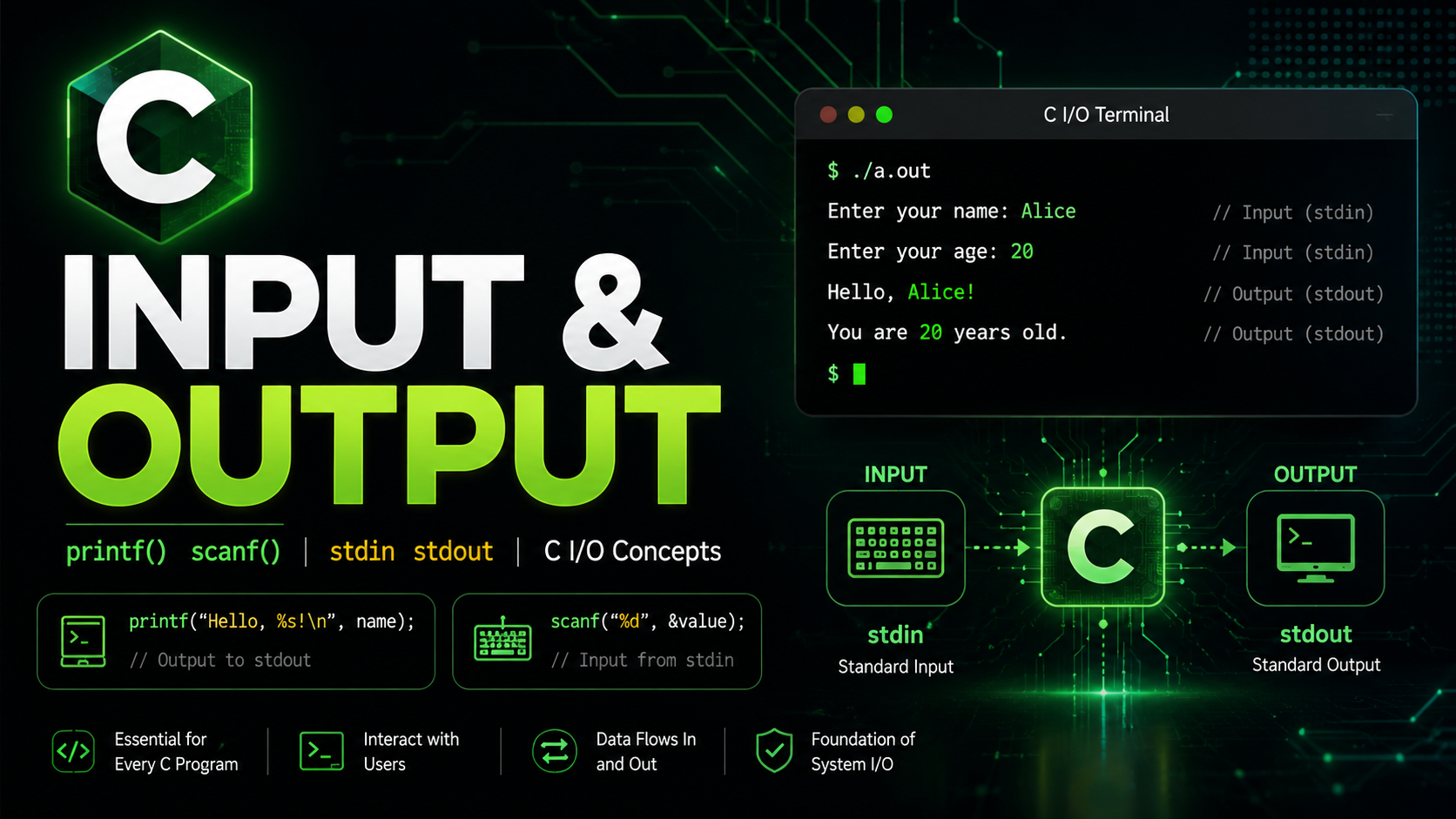
C Input and Output: printf, scanf, Format Specifiers Guide 2026
C Input and Output
Every useful program needs to communicate with the outside world — display results, read user input, or exchange data with files and devices. In C, all input and output operations flow through the standard I/O library defined in <stdio.h>. This library treats everything as a stream of bytes, whether you are printing to the terminal, reading from the keyboard, or writing to a file.
The two functions you will use most often are printf for output and scanf for input. Both use format strings — a powerful (but sometimes dangerous) mechanism that lets you control exactly how data is formatted and parsed.
Standard Streams
When a C program starts, three streams are automatically opened:
stdin (standard input) is where scanf and getchar read from. By default, this is your keyboard. stdout (standard output) is where printf writes to. By default, this is your terminal. stderr (standard error) is for error messages. It is also your terminal by default, but it is unbuffered, meaning errors appear immediately even if stdout is redirected.
#include <stdio.h>

int main(void) {
    fprintf(stdout, "Normal output\n");
    fprintf(stderr, "Error message\n");
    return 0;
}
From the command line, you can redirect these streams:
./program > output.txt        # redirect stdout to file
./program 2> errors.txt       # redirect stderr to file
./program < input.txt         # redirect stdin from file
./program < input.txt > output.txt 2> errors.txt  # all three
printf: Formatted Output
The printf function sends formatted text to stdout. Its first argument is a format string containing literal text and format specifiers (placeholders starting with %):
int age = 25;
float gpa = 3.85f;
char grade = 'A';

printf("Age: %d, GPA: %.2f, Grade: %c\n", age, gpa, grade);
Each % specifier consumes the next argument in order. The number and types of arguments must match the specifiers exactly — mismatches cause undefined behavior.
Format Specifiers Reference
Here are the format specifiers you will use constantly:
Integer Specifiers
int n = 42;
unsigned int u = 42;
long l = 42L;
long long ll = 42LL;

printf("%d\n", n);      // signed decimal: 42
printf("%i\n", n);      // same as %d: 42
printf("%u\n", u);      // unsigned decimal: 42
printf("%o\n", n);      // octal: 52
printf("%x\n", n);      // hex lowercase: 2a
printf("%X\n", n);      // hex uppercase: 2A
printf("%ld\n", l);     // long
printf("%lld\n", ll);   // long long
Floating-Point Specifiers
double pi = 3.14159265358979;

printf("%f\n", pi);      // fixed-point: 3.141593 (6 decimal places default)
printf("%.2f\n", pi);    // 2 decimal places: 3.14
printf("%.10f\n", pi);   // 10 decimal places: 3.1415926536
printf("%e\n", pi);      // scientific: 3.141593e+00
printf("%E\n", pi);      // scientific uppercase: 3.141593E+00
printf("%g\n", pi);      // shortest representation: 3.14159
Character and String Specifiers
char c = 'X';
char name[] = "SudoFlare";

printf("%c\n", c);       // single character: X
printf("%s\n", name);    // string: SudoFlare
printf("%.4s\n", name);  // first 4 chars: Sudo
Other Useful Specifiers
int *ptr = &n;
size_t sz = sizeof(n);

printf("%p\n", (void*)ptr);  // pointer address: 0x7ffd...
printf("%zu\n", sz);         // size_t: 4
printf("%%\n");              // literal percent sign: %
printf("%n");                 // DON'T USE: writes bytes count (security risk)
Width and Alignment
You can control the minimum width and alignment of output:
int val = 42;

printf("[%10d]\n", val);   // right-aligned, width 10: [        42]
printf("[%-10d]\n", val);  // left-aligned, width 10:  [42        ]
printf("[%010d]\n", val);  // zero-padded, width 10:   [0000000042]
printf("[%+d]\n", val);    // always show sign:        [+42]
printf("[%+d]\n", -val);   // always show sign:        [-42]
For floating-point numbers, you can control both width and precision:
double price = 9.99;
printf("[%10.2f]\n", price);   // [      9.99]
printf("[%-10.2f]\n", price);  // [9.99      ]
Width formatting is essential for creating aligned tables and reports. When building command-line tools, formatted output makes your programs look professional.
scanf: Formatted Input
The scanf function reads formatted input from stdin. It uses the same format specifiers as printf, but with one critical difference — you must pass the address of the variable using the & operator:
int age;
printf("Enter your age: ");
scanf("%d", &age);  // & is required for non-array types!
printf("You are %d years old\n", age);
Forgetting the & is one of the most common C bugs. Without it, scanf writes to a random memory address, causing crashes or silent data corruption.
Reading Different Types
int n;
float f;
double d;
char c;
char name[50];

scanf("%d", &n);        // read integer
scanf("%f", &f);        // read float
scanf("%lf", &d);       // read double (note: %lf, not %f!)
scanf(" %c", &c);       // read char (space before %c skips whitespace)
scanf("%49s", name);     // read string (no & needed for arrays!)
                         // 49 = buffer size - 1 for null terminator
Notice that scanf uses %lf for double, while printf uses %f for both float and double. This inconsistency is a historical artifact and trips up beginners constantly.
The scanf Return Value
scanf returns the number of items successfully read. Always check this value:
int n;
printf("Enter a number: ");
if (scanf("%d", &n) != 1) {
    fprintf(stderr, "Error: invalid input\n");
    return 1;
}
printf("You entered: %d\n", n);
If the user types “abc” instead of a number, scanf returns 0 (no items matched), and n remains uninitialized. Without the check, your program would continue with garbage data.
scanf Pitfalls and Solutions
The Newline Problem
When you type a number and press Enter, scanf("%d") consumes the number but leaves the newline character \n in the input buffer. A subsequent scanf("%c") immediately reads that leftover newline:
int age;
char grade;
printf("Age: ");
scanf("%d", &age);      // reads "25", leaves "\n" in buffer
printf("Grade: ");
scanf("%c", &grade);    // reads the leftover "\n", not the user's input!

// Fix: add a space before %c
scanf(" %c", &grade);   // space skips all whitespace including newlines
Buffer Overflow with Strings
Never use scanf("%s", name) without a width limit. If the user enters a string longer than your buffer, scanf writes past the end of the array — a buffer overflow that can crash your program or be exploited for security attacks:
char name[20];

// DANGEROUS:
scanf("%s", name);      // no limit — buffer overflow possible

// SAFE:
scanf("%19s", name);    // read at most 19 chars (leave room for \0)
Reading Entire Lines
scanf("%s") stops at the first whitespace, so it cannot read a full name like “John Doe”. Use fgets instead:
char line[100];
printf("Enter your full name: ");
fgets(line, sizeof(line), stdin);

// fgets includes the trailing newline — remove it
size_t len = strlen(line);
if (len > 0 && line[len - 1] == '\n') {
    line[len - 1] = '\0';
}
printf("Hello, %s!\n", line);
fgets is safer than scanf for string input because it always respects the buffer size limit. For production code, prefer fgets over scanf for reading strings.
Character I/O: getchar and putchar
For reading and writing single characters, getchar and putchar are the simplest functions:
int ch;

printf("Press a key: ");
ch = getchar();
printf("You pressed: ");
putchar(ch);
putchar('\n');
Note that getchar returns an int, not a char. This is because it returns EOF (typically -1) when there is no more input, and that value cannot fit in a char.
Reading Input Character by Character
// Count characters, words, and lines (mini wc)
int ch, chars = 0, words = 0, lines = 0;
int in_word = 0;

while ((ch = getchar()) != EOF) {
    chars++;
    if (ch == '\n') lines++;
    if (ch == ' ' || ch == '\n' || ch == '\t') {
        in_word = 0;
    } else if (!in_word) {
        in_word = 1;
        words++;
    }
}
printf("%d lines, %d words, %d chars\n", lines, words, chars);
This pattern — reading characters in a loop until EOF — is the foundation of many text processing programs. It is how utilities like cat, wc, and grep work internally.
Output Buffering
stdout is line-buffered when connected to a terminal (output is flushed when a newline is printed) and fully-buffered when redirected to a file (output is flushed when the buffer is full or the program exits).
This can cause issues when you want output to appear immediately without a newline:
printf("Loading...");  // may NOT appear immediately (no newline!)
fflush(stdout);         // force the output to appear now
sleep(2);
printf(" done!\n");    // this flushes because of \n
Always call fflush(stdout) after printing prompts that do not end with \n. Otherwise, the user might see a blank screen while the program waits for input.
fprintf and fscanf
While printf and scanf work with stdout and stdin, their counterparts fprintf and fscanf work with any file stream:
// Print to stderr (useful for error messages)
fprintf(stderr, "Error: file not found\n");

// Print to a file
FILE *fp = fopen("log.txt", "w");
if (fp) {
    fprintf(fp, "Log entry: value = %d\n", 42);
    fclose(fp);
}
We will cover file I/O in detail in a later lesson. For now, just know that printf(...) is equivalent to fprintf(stdout, ...).
sprintf and snprintf
sprintf writes formatted output to a string buffer instead of stdout:
char buffer[100];
int day = 25, month = 5, year = 2026;
sprintf(buffer, "%04d-%02d-%02d", year, month, day);
printf("Date: %s\n", buffer); // Date: 2026-05-25
However, sprintf can overflow the buffer if the output is too long. Always use snprintf instead, which takes a size limit:
char buffer[20];
snprintf(buffer, sizeof(buffer), "Very long string that could overflow...");
// snprintf truncates safely — buffer always null-terminated
Escape Sequences
C supports these escape sequences in strings:
printf("Newline: line1\nline2\n");
printf("Tab: col1\tcol2\n");
printf("Backslash: C:\\Users\n");
printf("Single quote: \'\n");
printf("Double quote: \"hello\"\n");
printf("Null character: \0\n");
printf("Alert (beep): \a\n");
printf("Backspace: \b\n");
printf("Carriage return: \r\n");
printf("Hex character: \x41\n");  // 'A'
printf("Octal character: \101\n"); // 'A'
Practical Example: Interactive Calculator
Let us put everything together with a simple calculator that reads two numbers and an operator:
#include <stdio.h>

int main(void) {
    double a, b, result;
    char op;

    printf("Enter expression (e.g., 3.5 + 2.1): ");
    if (scanf("%lf %c %lf", &a, &op, &b) != 3) {
        fprintf(stderr, "Error: invalid input\n");
        return 1;
    }

    switch (op) {
        case '+': result = a + b; break;
        case '-': result = a - b; break;
        case '*': result = a * b; break;
        case '/':
            if (b == 0.0) {
                fprintf(stderr, "Error: division by zero\n");
                return 1;
            }
            result = a / b;
            break;
        default:
            fprintf(stderr, "Error: unknown operator '%c'\n", op);
            return 1;
    }

    printf("%.6g %c %.6g = %.6g\n", a, op, b, result);
    return 0;
}
This program demonstrates format specifiers (%lf for reading doubles, %.6g for smart output), error handling (checking scanf return value), and fprintf(stderr, ...) for error messages.
Common Mistakes with printf and scanf
Wrong Format Specifier
double x = 3.14;
printf("%d\n", x);   // WRONG: %d expects int, not double
printf("%f\n", x);   // CORRECT
Mismatched format specifiers cause undefined behavior. The compiler reads the wrong number of bytes from the argument, producing garbage output or crashes. Compile with -Wformat (included in -Wall) to catch these.
Missing & in scanf
int n;
scanf("%d", n);    // WRONG: missing & — undefined behavior
scanf("%d", &n);   // CORRECT
Format String Vulnerability
char user_input[100];
fgets(user_input, sizeof(user_input), stdin);
printf(user_input);  // DANGEROUS: format string attack!
printf("%s", user_input); // SAFE: user input treated as data
Never pass user input directly as the format string to printf. An attacker can use specifiers like %x to read the stack or %n to write to memory. This is a real security vulnerability that has been exploited in production software.
What Comes Next
You can now read input and display formatted output. The next lesson covers if / else — conditional branching that lets your program make decisions based on the data it processes. Combined with I/O, you will build programs that respond differently to different inputs.