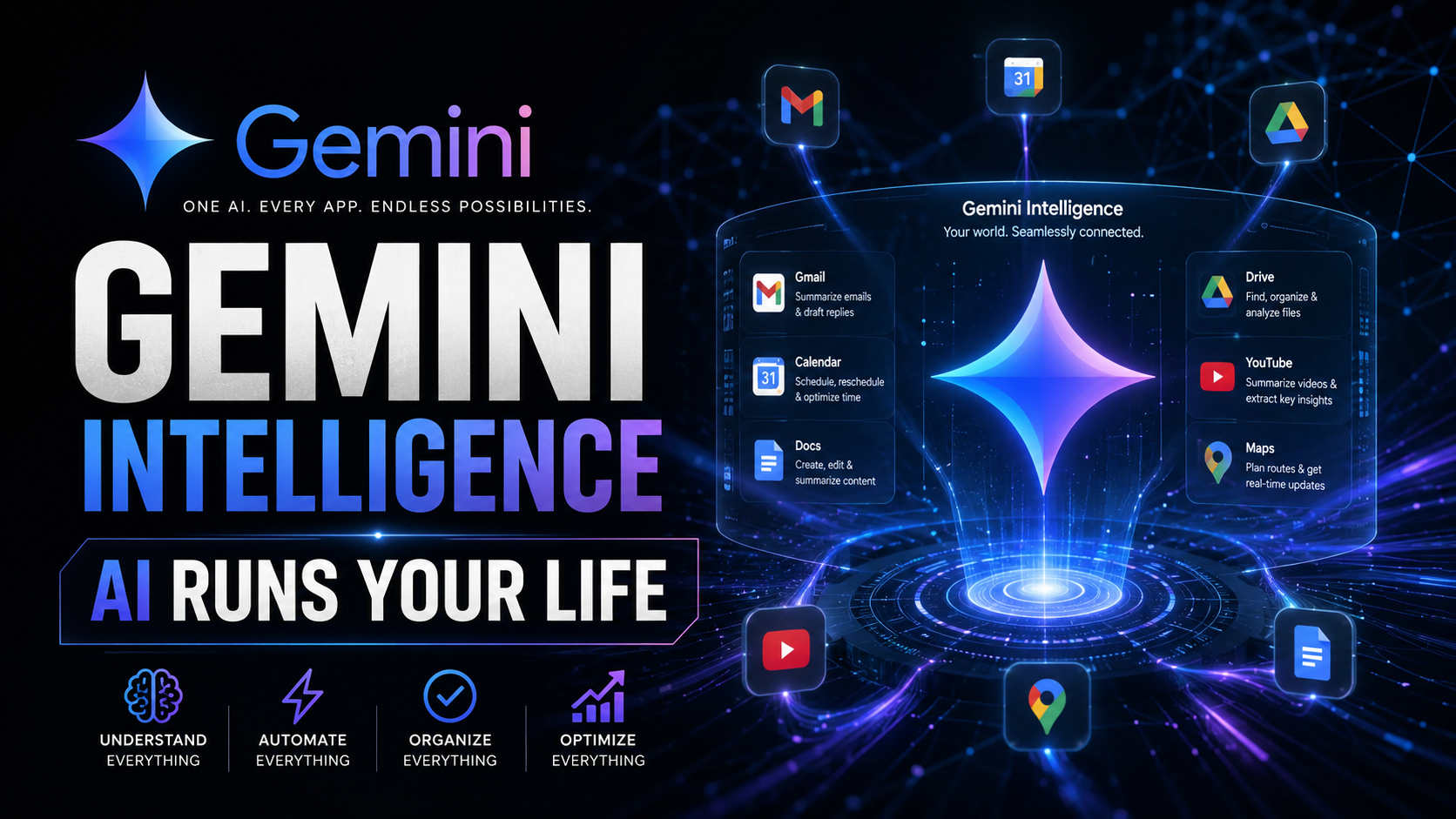
Gemini Intelligence: Google’s New Cross-App AI That Lives Inside Android
Table of Contents
Table of Contents
Google just quietly changed how Android works — and most people missed it. On May 12, 2026, buried under the bigger Googlebook announcement, Google revealed Gemini Intelligence: a new AI framework that doesn’t live in an app, doesn’t need to be opened, and doesn’t wait to be asked. It sits as a layer across your entire Android phone, understanding what’s happening in every app and proactively helping you complete tasks that would otherwise require jumping between multiple services. This is ambient AI — and it’s more impressive than it sounds.
What Is Gemini Intelligence?
Gemini Intelligence is Google’s framework for bringing AI out of the chatbot paradigm and into the fabric of the operating system. Instead of typing a question into Gemini and reading a response, Gemini Intelligence watches what you’re doing and acts as a proactive collaborator — surfacing relevant information before you ask for it, completing multi-step tasks across apps, and understanding context across your entire Google ecosystem.
The framework was announced at the Android Show 2026 on May 12, with a pre-recorded presentation showcasing capabilities ahead of the full reveal at Google I/O 2026 on May 19. What was shown is impressive enough on its own — but the I/O announcement is expected to reveal significantly more depth to the system.
Gemini Intelligence is not a replacement for the Gemini app. The Gemini chatbot still exists and remains useful for complex, open-ended queries. Gemini Intelligence is the ambient layer — the always-on, context-aware intelligence that operates in the background of everything you do on Android. Think of it as Gemini moving from your screen to the air around your screen.
Cross-App AI: The End of App-Switching Hell
The signature capability of Gemini Intelligence is cross-app understanding: the ability to comprehend what’s happening in one app, connect it to information in another app, and take action that spans both — all without you having to manually navigate between them.
Google demonstrated several scenarios in the Android Show presentation. A friend sends you a WhatsApp message about dinner plans at a restaurant. Gemini Intelligence reads the message, looks up the restaurant in Google Maps, checks your Calendar for any conflicts, and offers to book a reservation through Google Flights or OpenTable — all from within the WhatsApp conversation, without you ever leaving the app.
Another demo: you’re reading a long Gmail thread about a project. Gemini Intelligence summarizes the thread, identifies the outstanding action items assigned to you, and creates calendar events and reminders for each deadline — automatically, without you asking. The context from the email thread carries into your calendar, so the calendar entry includes the relevant email context.
This cross-app capability is powered by a new Android system API that Google calls the Gemini Intelligence Context Layer. Third-party apps can register with this layer to both contribute context (what’s happening in my app right now?) and receive suggestions (what should I suggest to the user based on what Gemini knows?). Apps that integrate with the Context Layer can offer much richer AI assistance than those that don’t — creating a significant new incentive for developers to update their apps.
Magic Pointer: AI That Reads Your Screen
Magic Pointer is the most visually striking Gemini Intelligence feature and the one most likely to feel genuinely magical in daily use. It’s an AI capability that activates when you point at anything on your screen — text, images, UI elements, media — and instantly surfaces relevant context, actions, and information.
Point at an address in a text message: Magic Pointer opens it in Maps with directions. Point at a product in a shopping app: Magic Pointer shows you competing prices from other retailers. Point at a word you don’t recognize in an article: Magic Pointer defines it and offers relevant context without leaving the article. Point at a phone number in a document: Magic Pointer calls it, saves it to contacts, or looks up the associated business.
Magic Pointer builds on Google’s existing Circle to Search feature, which already lets users circle items on screen to trigger a search. The upgrade is the move from “search trigger” to “action trigger with context” — Magic Pointer doesn’t just search, it suggests the most relevant action based on what the content is and where you are. The underlying technology uses a real-time vision model that can understand text, objects, UI elements, and their relationships simultaneously.
On Googlebook laptops, Magic Pointer becomes even more powerful — the larger screen real estate and the precision of a trackpad create more opportunities for contextual AI actions than a phone’s touch interface. Google has designed Magic Pointer to be the flagship feature of Googlebook, and the full capabilities will be demonstrated at the Googlebook I/O reveal.
Gmail, Calendar, and Drive Integration
Google’s deepest advantage in the AI assistant race is its data ecosystem. No other AI platform has the combination of Gmail (most-used email service globally), Google Calendar (dominant in enterprise), Google Drive (billions of documents), Google Maps (most comprehensive location data), and Google Search (the world’s largest knowledge base). Gemini Intelligence is the first product that genuinely harnesses all of these simultaneously.
The Gmail integration goes beyond smart replies. Gemini Intelligence can understand a full email thread — including attachments, referenced documents in Drive, and previous related threads — and take actions across all of them. Someone sends you a contract? Gemini Intelligence can extract the key terms, compare them to previous contracts in your Drive, add the deadline dates to your Calendar, and draft a summary to share with a colleague — all in one action triggered from the email.
The Calendar integration works in both directions. Gemini Intelligence can create calendar events from email context (as described above), but it also understands calendar context when you’re in other apps. If you’re in a meeting that’s running over, Gemini Intelligence will alert you that your next meeting starts in 5 minutes and offer to send an “I’m running late” message to the next meeting’s participants — automatically composing a message with appropriate context about when you expect to arrive.
Drive integration is perhaps the most powerful for knowledge workers. Gemini Intelligence can search across all your Drive documents — not just by filename but by content — and surface the most relevant document for what you’re currently working on. Writing a proposal? Gemini Intelligence finds previous proposals on similar topics and highlights the relevant sections. Preparing for a meeting? It surfaces the most recent documents about the meeting topic from across your entire Drive.
Gemini Intelligence vs. Apple Intelligence
The comparison to Apple Intelligence is inevitable and important. Apple has been building its own ambient AI framework — rolling out progressively in iOS 27 and macOS later this year. Both Google and Apple are pursuing the same vision: AI that understands your life across all your apps and helps you act on it proactively. But they’re taking meaningfully different approaches.
Apple’s approach: Privacy-first, on-device wherever possible, using Private Cloud Compute for more complex tasks. Apple Intelligence knows your data because it lives on your Apple devices — no data leaves to external servers unless absolutely necessary. The privacy story is excellent; the ecosystem lock-in is total. Apple Intelligence only works on Apple devices.
Google’s approach: Cloud-integrated, cross-platform, leveraging the full depth of Google’s services. Gemini Intelligence works on Android, on Googlebook, in Chrome on any platform, and through Google Workspace on the web. The cross-platform story is excellent; the privacy story is more complex — Google’s business model depends on data, and users will need to carefully review what they’re sharing with the Gemini Intelligence Context Layer.
For most users, the practical difference comes down to ecosystem: if you’re all-in on Apple, Apple Intelligence is the natural choice. If you use Android, Google Workspace, or Chrome on non-Apple hardware — which describes a majority of the world’s smartphone and computer users — Gemini Intelligence offers a more relevant set of integrations. The AI assistant landscape is becoming platform-native at a speed that makes cross-platform switching increasingly consequential.
Privacy Concerns: What Does Gemini Actually See?
Gemini Intelligence’s cross-app awareness raises legitimate privacy questions that Google has so far addressed only in general terms. The system needs to observe what’s happening across your apps to provide cross-app assistance — which means it’s reading your WhatsApp messages, your emails, your calendar entries, your browsing history, and your document contents. For users comfortable with Google’s existing data practices, this is an extension of a relationship they’ve already accepted. For users with privacy concerns, this is a significant new level of surveillance by their operating system.
Google has announced that Gemini Intelligence includes granular privacy controls: users can exclude specific apps from the Context Layer, disable cross-app awareness entirely, or limit Gemini Intelligence to on-device processing only (with reduced functionality). These controls are similar to the permissions model already used for accessibility services and screen readers on Android.
The more nuanced question is what happens to the contextual data Gemini Intelligence collects. Google’s privacy policy permits using service data to improve its AI models — which means that the cross-app context Gemini Intelligence observes may be used to train future versions of Gemini, subject to anonymization and data minimization processes. Users who want maximum AI capability with minimum privacy risk should carefully review the Gemini Intelligence privacy settings when the feature rolls out.
When Does It Roll Out?
Gemini Intelligence is rolling out progressively. The first features — including enhanced Gemini suggestions within Google apps and basic cross-app awareness for Google’s own ecosystem — are available now for Pixel 9 and newer devices in English-speaking markets. The full Gemini Intelligence Context Layer, including third-party app integration, is expected to roll out with Android 17 in fall 2026.
On Googlebook, Gemini Intelligence including Magic Pointer will be available from launch — fall 2026. The Googlebook implementation will showcase the most complete version of Gemini Intelligence, built into Aluminium OS from the ground up rather than layered on top of an existing Android release.
International expansion and additional language support will follow the initial English rollout, with Google committing to “most major markets” by end of 2026. Enterprise deployment — including IT admin controls for Gemini Intelligence in managed Android environments — is on the roadmap for Q1 2027.
Conclusion
Gemini Intelligence is Google’s most ambitious Android feature in years — and it represents the clearest articulation yet of what “AI-native” computing actually means in practice. Not a better chatbot. Not a smarter search. But an intelligence layer that runs continuously beneath everything you do, understanding context across all your apps and proactively helping you accomplish more with less friction.
Whether it lives up to the demos depends entirely on execution. Google has a historically mixed record on features that sound transformative in demos and underwhelm in daily use. Gemini Intelligence’s success requires the Gemini Context Layer to work reliably across hundreds of different apps and use cases, the privacy controls to actually give users meaningful control, and Magic Pointer to understand screen context accurately enough to be more helpful than annoying. We’ll find out at I/O 2026 next week — and in daily use over the months that follow. Check our full Google I/O 2026 preview for everything else Google is expected to announce on May 19.