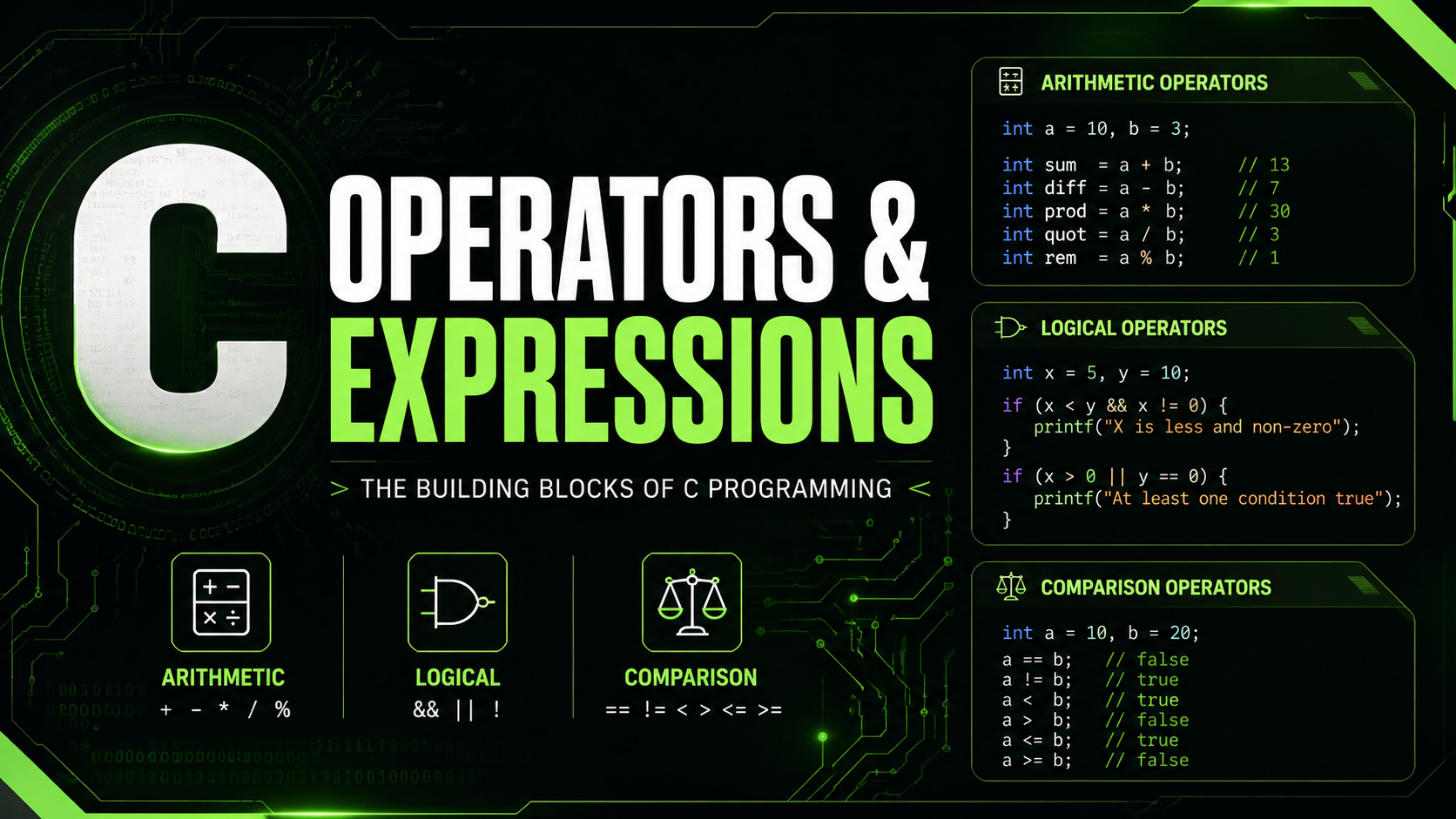
C Operators and Expressions: Arithmetic, Logical, Comparison Guide 2026
C Operators and Expressions
Operators are the verbs of C — they perform actions on data. Adding two numbers, comparing values, checking conditions, manipulating bits — every computation in your program uses operators. C provides a rich set of operators, and understanding them is fundamental to writing correct and efficient code.
An expression is any combination of variables, constants, and operators that evaluates to a value. The expression a + b * 2 evaluates to a number. The expression x > 0 && x < 100 evaluates to true or false (1 or 0 in C). Even a simple variable name like x is an expression — it evaluates to whatever value x holds.
Arithmetic Operators
These operators perform mathematical calculations:
int a = 17, b = 5;

printf("%d\n", a + b);   // 22  (addition)
printf("%d\n", a - b);   // 12  (subtraction)
printf("%d\n", a * b);   // 85  (multiplication)
printf("%d\n", a / b);   // 3   (integer division — truncates!)
printf("%d\n", a % b);   // 2   (modulo — remainder)
Integer Division Gotcha
When both operands are integers, division truncates toward zero. It does not round:
printf("%d\n", 7 / 2);    // 3 (not 3.5)
printf("%d\n", -7 / 2);   // -3 (truncates toward zero in C99+)
printf("%.1f\n", 7.0 / 2); // 3.5 (one operand is double)
If you need floating-point division, cast at least one operand:
int total = 7, count = 2;
double avg = (double)total / count; // 3.5
Modulo Operator
The modulo operator % returns the remainder of integer division. It only works with integer types:
printf("%d\n", 17 % 5);  // 2
printf("%d\n", 10 % 3);  // 1
printf("%d\n", 15 % 5);  // 0 (evenly divisible)

// Common use: check if even/odd
if (n % 2 == 0) printf("even\n");

// Common use: wrap around (circular buffer)
int index = (current + 1) % buffer_size;
Increment and Decrement Operators
The ++ and -- operators add or subtract 1 from a variable. They come in prefix and postfix forms with an important difference:
int a = 5;

// Prefix: increment THEN use the value
int b = ++a;  // a becomes 6, b gets 6

// Postfix: use the value THEN increment
int c = a++;  // c gets 6 (current value), then a becomes 7
In standalone statements like i++; or ++i;, there is no difference. The distinction only matters when the result is used in a larger expression.
Best practice: Avoid using increment/decrement operators inside complex expressions. Write i++; on its own line. Using arr[i++] = arr[++j] is clever but fragile and hard to debug.
Relational (Comparison) Operators
Relational operators compare two values and return 1 (true) or 0 (false):
int a = 10, b = 20;

printf("%d\n", a == b);  // 0 (equal to)
printf("%d\n", a != b);  // 1 (not equal to)
printf("%d\n", a < b);   // 1 (less than)
printf("%d\n", a > b);   // 0 (greater than)
printf("%d\n", a <= b);  // 1 (less than or equal)
printf("%d\n", a >= b);  // 0 (greater than or equal)
The Classic = vs == Bug
This is the most famous C bug. Using = (assignment) instead of == (comparison):
int x = 5;
if (x = 10) {  // BUG: assigns 10 to x, then evaluates as true
    printf("This always runs!\n");
}

// Correct:
if (x == 10) {
    printf("Only runs if x is 10\n");
}
Compile with -Wall and GCC will warn you: "suggest parentheses around assignment used as truth value." Some programmers write constants on the left (if (10 == x)) to catch this — called "Yoda conditions."
Logical Operators
Logical operators combine boolean expressions:
int age = 25;
int income = 50000;

// AND: both must be true
if (age >= 18 && income > 30000) {
    printf("Eligible\n");
}

// OR: at least one must be true
if (age < 18 || age > 65) {
    printf("Special rate\n");
}

// NOT: inverts truth value
if (!is_error) {
    printf("No error\n");
}
Short-Circuit Evaluation
C evaluates logical operators left to right and stops as soon as the result is determined:
// If ptr is NULL, the second condition is never evaluated
if (ptr != NULL && ptr->value > 0) {
    // safe to access ptr->value
}

// If the file opens, we don't check the second condition
if (file_exists || create_file()) {
    // at least one succeeded
}
This is not just an optimization — it is a fundamental pattern for safe null-pointer checks and resource handling in C.
Assignment Operators
C provides compound assignment operators that combine an operation with assignment:
int x = 10;

x += 5;   // x = x + 5  → 15
x -= 3;   // x = x - 3  → 12
x *= 2;   // x = x * 2  → 24
x /= 4;   // x = x / 4  → 6
x %= 4;   // x = x % 4  → 2

// Also works with bitwise operators
x &= 0xFF;
x |= 0x80;
x ^= 0x01;
x <<= 2;
x >>= 1;
Compound operators are not just shortcuts — they can be more efficient because the variable is evaluated only once. In expressions like array[complex_index()] += 1, the index function is called once instead of twice.
Ternary (Conditional) Operator
The ternary operator is a compact if-else expression:
// Syntax: condition ? value_if_true : value_if_false

int a = 10, b = 20;
int max = (a > b) ? a : b;  // max = 20

// Common use: conditional assignment
const char *status = (score >= 60) ? "pass" : "fail";

// Common use: absolute value
int abs_val = (x < 0) ? -x : x;

// Don't nest too deeply — readability suffers
int result = (a > b) ? (a > c ? a : c) : (b > c ? b : c); // hard to read
Use the ternary operator for simple conditional assignments. For complex logic, use regular if-else statements — readability matters more than saving lines.
Comma Operator
The comma operator evaluates two expressions and returns the value of the second one:
int a = (1, 2, 3); // a = 3 (last expression)

// Most common use: multiple operations in a for loop
for (int i = 0, j = 10; i < j; i++, j--) {
    printf("i=%d, j=%d\n", i, j);
}
Outside of for loops, the comma operator is rarely used and can be confusing. Stick to separate statements for clarity.
Operator Precedence
C has 15 levels of operator precedence. Here are the most important ones, from highest to lowest priority:
// Highest precedence
()  []  ->  .           // function calls, subscripts, member access
!  ~  ++  --  (type)    // unary operators, cast
*  /  %                 // multiplicative
+  -                    // additive
<<  >>                  // shift
<  <=  >  >=            // relational
==  !=                  // equality
&                       // bitwise AND
^                       // bitwise XOR
|                       // bitwise OR
&&                      // logical AND
||                      // logical OR
?:                      // ternary
=  +=  -=  *=  /=       // assignment
,                       // comma
// Lowest precedence
When in Doubt, Use Parentheses
You do not need to memorize the entire precedence table. When the order of operations is not obvious, add parentheses to make your intent explicit:
// Unclear: does & bind before == or after?
if (flags & MASK == VALUE) { ... } // BUG: == has higher precedence!

// Clear:
if ((flags & MASK) == VALUE) { ... }  // correct

// Unclear:
int result = a + b * c;  // b * c happens first (correct, but...)

// Clear:
int result = a + (b * c); // intent is obvious
Type Promotion in Expressions
When you mix types in an expression, C automatically promotes smaller types to larger ones. This is called the "usual arithmetic conversion":
char c = 'A';      // promoted to int in expressions
short s = 100;     // promoted to int in expressions
int i = c + s;     // both promoted to int first

int a = 5;
double b = 2.5;
double r = a + b;  // a promoted to double

unsigned int u = 10;
int n = -5;
// DANGER: n is converted to unsigned!
if (u + n > 5) {
    printf("Not what you expect!\n");
}
The last example is a subtle bug. When signed and unsigned integers are mixed, the signed value is converted to unsigned. -5 becomes a very large positive number (4,294,967,291 on 32-bit systems), and the comparison produces unexpected results.
sizeof as an Operator
Although we covered sizeof in the data types lesson, it is technically an operator, not a function. The parentheses are only required when using it with a type name:
int x = 42;
printf("%zu\n", sizeof x);       // works: 4
printf("%zu\n", sizeof(int));     // parentheses required for types
printf("%zu\n", sizeof(x + 1.0)); // evaluates type at compile time: 8 (double)
The expression inside sizeof is never evaluated at runtime — only its type is determined at compile time. So sizeof(x++) does not increment x.
Common Pitfalls with Operators
Division by Zero
int result = 10 / 0; // UNDEFINED BEHAVIOR — may crashInteger division by zero is undefined behavior. Always validate the divisor before dividing.
Overflow in Multiplication
int a = 100000;
int b = 100000;
int product = a * b; // OVERFLOW: result exceeds INT_MAX
For large multiplications, cast to a wider type first: (long long)a * b.
Modifying a Variable Twice Between Sequence Points
int i = 5;
int j = i++ + i++; // UNDEFINED BEHAVIOR
// Don't do this. Nobody knows what j will be.
Practice Exercise
Write a program that takes a temperature in Celsius and converts it to Fahrenheit, using the formula F = C * 9/5 + 32. Be careful with integer division:
#include <stdio.h>

int main(void) {
    double celsius = 37.0;
    double fahrenheit = celsius * 9.0 / 5.0 + 32.0;
    printf("%.1f°C = %.1f°F\n", celsius, fahrenheit);

    // Test with integer division (wrong)
    int c_int = 37;
    int f_wrong = c_int * 9 / 5 + 32; // works here because 37*9=333, 333/5=66
    printf("%d°C = %d°F (integer)\n", c_int, f_wrong);

    // But try c_int = 1:
    c_int = 1;
    f_wrong = c_int * 9 / 5 + 32; // 9/5 = 1, so result = 33 (should be 33.8)
    double f_right = (double)c_int * 9.0 / 5.0 + 32.0;
    printf("%d°C = %d°F (integer) vs %.1f°F (correct)\n",
           c_int, f_wrong, f_right);

    return 0;
}
What Comes Next
Now that you can perform calculations, the next lesson covers Input & Output — reading user input with scanf, formatting output with printf format specifiers, and understanding the stdin/stdout buffering model. You will build interactive programs that respond to user input.