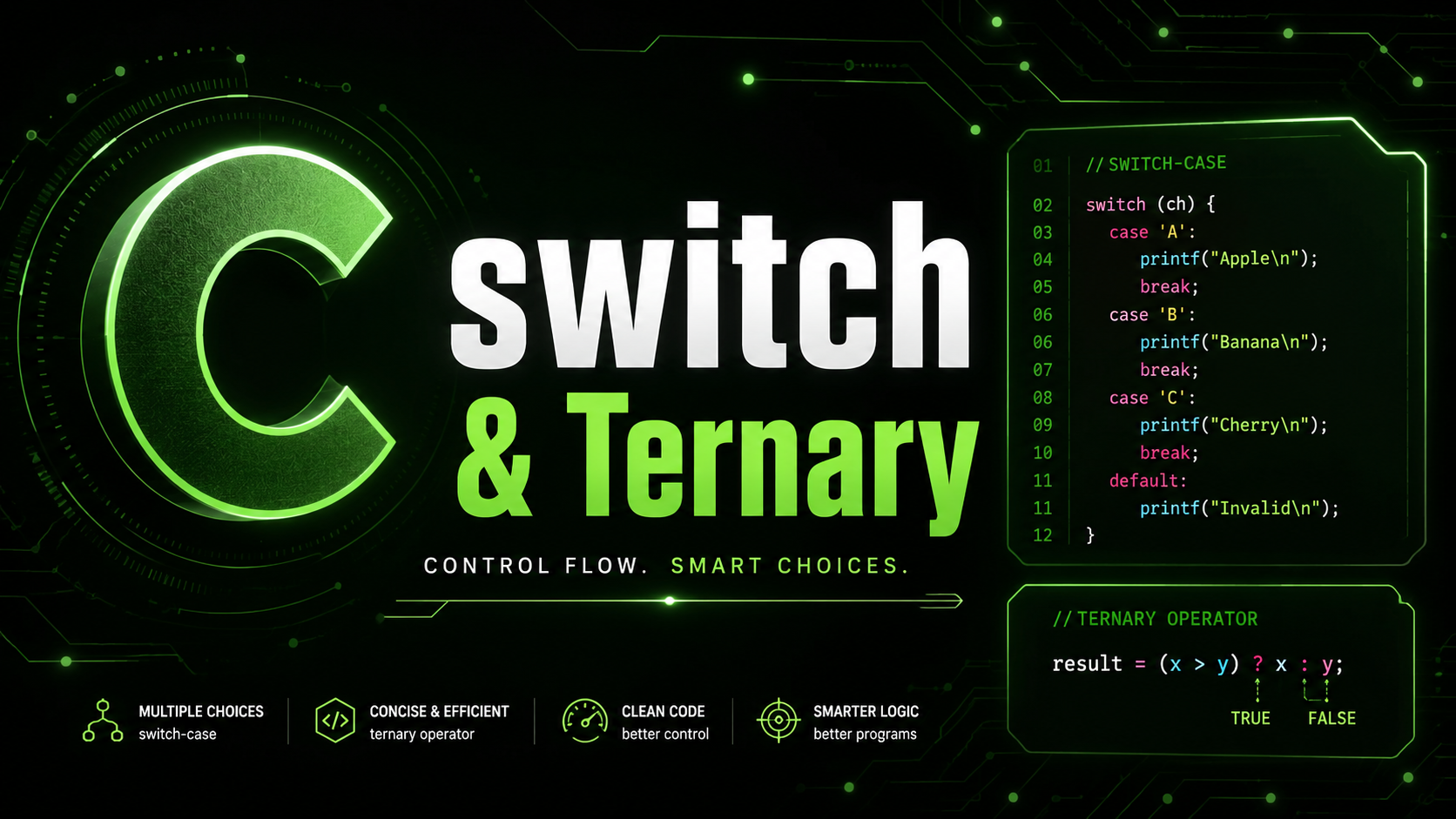
C switch Statement and Ternary Operator: Multi-Way Branching Guide 2026
C switch Statement and Ternary Operator
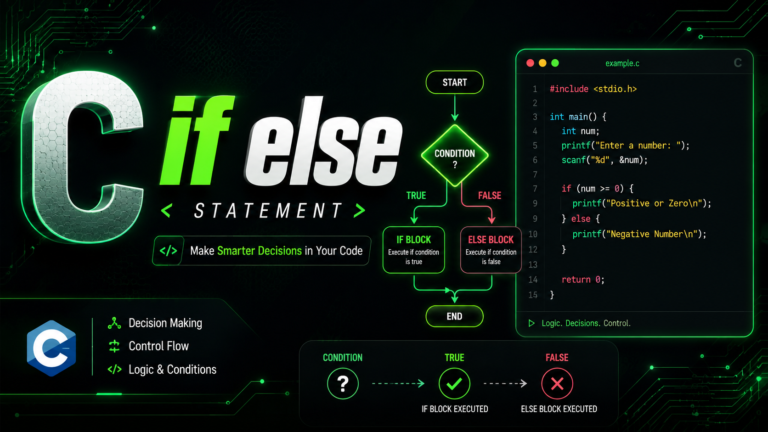
When you need to compare a single variable against multiple fixed values, writing a long chain of if/else if statements works but gets tedious. The switch statement provides a cleaner, often faster alternative for multi-way branching. And for simple two-way conditional assignments, the ternary operator ?: lets you write compact expressions without the overhead of a full if/else block.
The switch Statement
A switch evaluates an integer expression and jumps directly to the matching case label:
#include <stdio.h>

int main(void) {
    int day = 3;

    switch (day) {
        case 1:
            printf("Monday\n");
            break;
        case 2:
            printf("Tuesday\n");
            break;
        case 3:
            printf("Wednesday\n");
            break;
        case 4:
            printf("Thursday\n");
            break;
        case 5:
            printf("Friday\n");
            break;
        case 6:
            printf("Saturday\n");
            break;
        case 7:
            printf("Sunday\n");
            break;
        default:
            printf("Invalid day: %d\n", day);
            break;
    }

    return 0;
}
How switch Works Internally
Unlike an if/else chain that checks conditions sequentially, a switch can use a jump table — an array of addresses indexed by the case values. The CPU computes the index once and jumps directly to the right code. For switches with many cases and contiguous values, this is significantly faster than sequential comparisons.
The expression inside switch() must evaluate to an integer type — int, char, short, long, or an enum. You cannot switch on floating-point numbers, strings, or pointers.
The break Statement
Each case needs a break to stop execution from flowing into the next case. Without break, execution “falls through” to the next case:
int x = 2;
switch (x) {
    case 1:
        printf("One\n");
    case 2:
        printf("Two\n");   // this prints
    case 3:
        printf("Three\n"); // this ALSO prints (fall-through!)
    case 4:
        printf("Four\n");  // this ALSO prints!
        break;
    case 5:
        printf("Five\n");  // this doesn't print (break stopped it)
}
// Output: Two\nThree\nFour
Fall-through is a common source of bugs. Always include break unless you intentionally want fall-through.
Intentional Fall-Through
Sometimes fall-through is useful — when multiple cases should execute the same code:
char grade = 'B';

switch (grade) {
    case 'A':
    case 'B':
    case 'C':
        printf("Passed!\n");
        break;
    case 'D':
    case 'F':
        printf("Failed.\n");
        break;
    default:
        printf("Invalid grade.\n");
        break;
}
Here, grades A, B, and C all execute the same printf. This is clean, intentional fall-through. When you use intentional fall-through, add a comment like // fall through to signal that the missing break is deliberate. GCC’s -Wimplicit-fallthrough flag will warn about missing breaks and recognize these comments.
Grouping Ranges
// Determine season from month number
int month = 7;
switch (month) {
    case 12: case 1: case 2:
        printf("Winter\n");
        break;
    case 3: case 4: case 5:
        printf("Spring\n");
        break;
    case 6: case 7: case 8:
        printf("Summer\n");
        break;
    case 9: case 10: case 11:
        printf("Autumn\n");
        break;
    default:
        printf("Invalid month\n");
        break;
}
The default Case
The default case handles any value not matched by a case label. It is optional but strongly recommended — without it, unmatched values silently do nothing, which is usually a bug:
switch (command) {
    case 'q':
        printf("Quit\n");
        break;
    case 'h':
        printf("Help\n");
        break;
    default:
        fprintf(stderr, "Unknown command: '%c'\n", command);
        break;
}
The default case can appear anywhere in the switch, not just at the end. However, placing it last is conventional and improves readability.
Declaring Variables Inside switch
Declaring variables inside a switch requires care. In C, a case label is just a jump target — it does not create a new scope. Jumping over a variable declaration is undefined behavior:
// PROBLEM: jumping over initialization
switch (x) {
    case 1:
        int value = 10; // error in C: jumps over initialization
        printf("%d\n", value);
        break;
    case 2:
        printf("%d\n", value); // value might be uninitialized
        break;
}

// FIX: use braces to create a scope
switch (x) {
    case 1: {
        int value = 10;
        printf("%d\n", value);
        break;
    }
    case 2: {
        int value = 20;
        printf("%d\n", value);
        break;
    }
}
Wrapping case bodies in braces creates a proper scope for local variables. This is a best practice for any case that needs local variables.
switch with Enums
switch pairs naturally with enums because both deal with discrete integer values:
typedef enum {
    STATE_IDLE,
    STATE_RUNNING,
    STATE_PAUSED,
    STATE_ERROR
} State;

void handle_state(State s) {
    switch (s) {
        case STATE_IDLE:
            printf("System idle\n");
            break;
        case STATE_RUNNING:
            printf("System running\n");
            break;
        case STATE_PAUSED:
            printf("System paused\n");
            break;
        case STATE_ERROR:
            printf("System error!\n");
            break;
    }
    // No default: compiler warns if you add a new enum value
    // and forget to handle it (-Wswitch)
}
When switching on an enum, omitting default is sometimes intentional. With -Wswitch (included in -Wall), the compiler warns you if a new enum value is added but not handled — a warning you would miss if default silently caught everything.
The Ternary Operator
The ternary operator ?: is a compact conditional expression:
// Syntax: condition ? value_if_true : value_if_false

int a = 10, b = 20;
int max = (a > b) ? a : b; // max = 20

// Equivalent if/else:
int max2;
if (a > b) {
    max2 = a;
} else {
    max2 = b;
}
The ternary operator is an expression, not a statement. This means it produces a value and can be used anywhere a value is expected — in assignments, function arguments, return statements, and even inside other expressions.
Common Uses
// Conditional assignment
const char *status = (score >= 60) ? "pass" : "fail";

// Conditional print
printf("Result: %s\n", (success) ? "OK" : "ERROR");

// Absolute value
int abs_val = (x < 0) ? -x : x;

// Clamping a value to a range
int clamped = (val < min) ? min : (val > max) ? max : val;

// Choosing a format
printf("Found %d item%s\n", count, (count == 1) ? "" : "s");
When to Use Ternary vs if else
Use the ternary operator for simple, one-line conditional assignments. Use if/else for anything that involves side effects, multiple statements, or complex logic. Never nest ternary operators more than one level deep — it becomes unreadable:
// BAD: deeply nested ternary
int result = (a > b) ? (a > c ? a : c) : (b > c ? b : c);

// GOOD: use if/else for complex logic
int result;
if (a >= b && a >= c) {
    result = a;
} else if (b >= c) {
    result = b;
} else {
    result = c;
}
switch vs if else: When to Use Which
Use switch when comparing a single variable against specific constant values — menu options, state machines, command parsers, enum handling. Use if/else when conditions involve ranges (x > 10 && x < 50), multiple variables, floating-point comparisons, or string comparisons (which switch cannot handle).
// GOOD use of switch: discrete values
switch (menu_choice) {
    case 1: create_account(); break;
    case 2: login(); break;
    case 3: exit(0);
    default: printf("Invalid choice\n");
}

// GOOD use of if/else: ranges and complex conditions
if (temp > 100.0) {
    printf("Boiling\n");
} else if (temp > 0.0) {
    printf("Liquid\n");
} else {
    printf("Frozen\n");
}
Practical Example: Simple Menu System
#include <stdio.h>

int main(void) {
    int choice;

    printf("=== File Manager ===\n");
    printf("1. Create file\n");
    printf("2. Read file\n");
    printf("3. Delete file\n");
    printf("4. Exit\n");
    printf("Choice: ");

    if (scanf("%d", &choice) != 1) {
        fprintf(stderr, "Invalid input\n");
        return 1;
    }

    switch (choice) {
        case 1:
            printf("Creating file...\n");
            break;
        case 2:
            printf("Reading file...\n");
            break;
        case 3: {
            char confirm;
            printf("Are you sure? (y/n): ");
            scanf(" %c", &confirm);
            if (confirm == 'y' || confirm == 'Y') {
                printf("Deleting file...\n");
            } else {
                printf("Cancelled.\n");
            }
            break;
        }
        case 4:
            printf("Goodbye!\n");
            return 0;
        default:
            fprintf(stderr, "Invalid choice: %d\n", choice);
            return 1;
    }

    return 0;
}
Practical Example: Character Classifier
#include <stdio.h>

int main(void) {
    char c;
    printf("Enter a character: ");
    scanf(" %c", &c);

    const char *type;
    if (c >= 'a' && c <= 'z') {
        type = "lowercase letter";
    } else if (c >= 'A' && c <= 'Z') {
        type = "uppercase letter";
    } else if (c >= '0' && c <= '9') {
        type = "digit";
    } else {
        type = "special character";
    }

    // Ternary for vowel check
    int is_vowel = (c == 'a' || c == 'e' || c == 'i' ||
                    c == 'o' || c == 'u' ||
                    c == 'A' || c == 'E' || c == 'I' ||
                    c == 'O' || c == 'U');

    printf("'%c' is a %s%s\n", c, type,
           is_vowel ? " (vowel)" : "");

    return 0;
}
What Comes Next
Now you can make decisions in your programs. The next lesson covers while & do-while Loops — repeating code until a condition changes. Loops combined with conditionals let you build programs that process data, handle user interaction, and run continuously until told to stop.