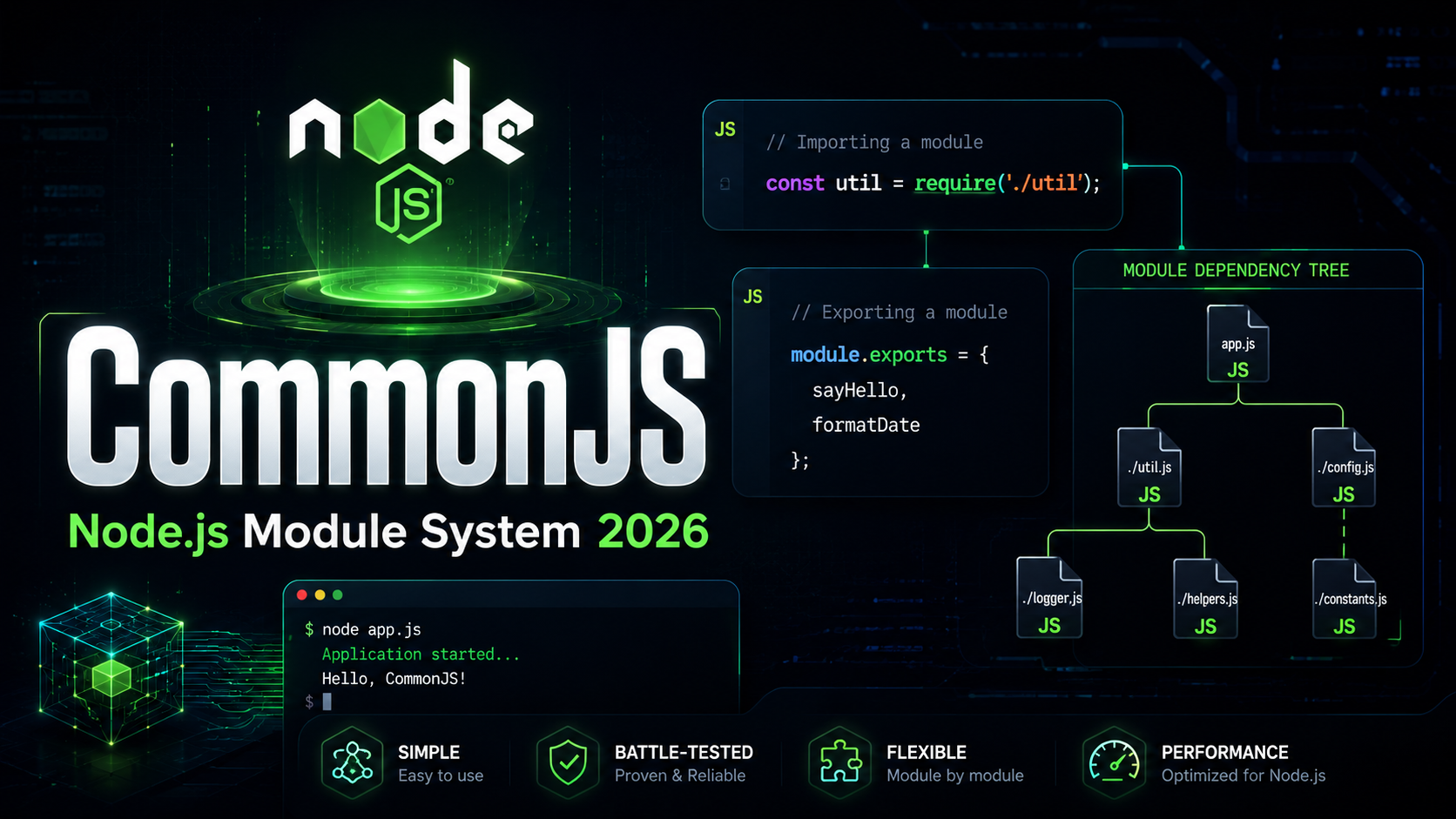
JavaScript CommonJS require: Node.js Module System Deep Dive
CommonJS require is the original module system that made Node.js possible. Before CommonJS existed, JavaScript had no built-in way to split code across files, share functionality between modules, or manage dependencies. Understanding how require() works is essential for every JavaScript developer working with Node.js, npm packages, or legacy codebases. In this deep tutorial, you will learn exactly how CommonJS modules load, cache, resolve paths, and handle edge cases that trip up even experienced developers.
What Is CommonJS?
CommonJS is a module specification created in 2009 to give JavaScript a standard module system outside the browser. Node.js adopted CommonJS as its default module format, and it remained the only option until ES Modules arrived in Node.js 12+. Every file in a CommonJS environment is treated as a separate module with its own scope — variables declared inside a file do not leak into the global scope.
The two core pieces of CommonJS are:
require()— a synchronous function that loads and returns a modulemodule.exports— the object that a module exposes to consumers
// math.js
function add(a, b) {
  return a + b;
}

function multiply(a, b) {
  return a * b;
}

module.exports = { add, multiply };
// app.js
const math = require('./math');

console.log(math.add(2, 3));       // 5
console.log(math.multiply(4, 5));  // 20
Every Node.js file you have ever written uses CommonJS unless you explicitly opt into ES Modules via .mjs extensions or "type": "module" in package.json.
How require() Works Under the Hood
When Node.js encounters require('./math'), it performs several steps internally. Understanding this process helps you debug module resolution errors and optimize load times.
Step 1: Resolve the File Path
Node.js resolves the argument to an absolute file path. For relative paths like './math', it resolves relative to the directory of the calling file. For bare specifiers like 'express', it walks up node_modules directories.
Step 2: Check the Module Cache
Before loading anything, Node.js checks require.cache. If the resolved path already exists in the cache, it returns the cached module.exports immediately without re-executing the file.
Step 3: Load and Wrap the File
Node.js reads the file contents and wraps them in a function:
// Node.js internally wraps your code like this:
(function(exports, require, module, __filename, __dirname) {
  // --- your module code runs here ---
  function add(a, b) { return a + b; }
  module.exports = { add };
  // --- end of your code ---
});
This wrapper is why each module has its own scope and why __filename, __dirname, exports, require, and module are available in every file without importing them.
Step 4: Execute and Cache
Node.js executes the wrapped function, passing in the module objects. Whatever you assign to module.exports becomes the return value of require(). The result is cached so subsequent calls are instant.
// Proving the cache works
const a = require('./math');
const b = require('./math');
console.log(a === b); // true — same object reference
Exporting with module.exports and exports
There are two ways to export from a CommonJS module, and confusing them is one of the most common bugs in Node.js development.
Using module.exports
module.exports is the actual object that require() returns. You can assign anything to it — an object, a function, a class, or a primitive.
// Export a single function
module.exports = function greet(name) {
  return `Hello, ${name}!`;
};

// Export a class
module.exports = class Logger {
  log(msg) { console.log(`[LOG] ${msg}`); }
};

// Export an object with multiple methods
module.exports = {
  parse: (str) => JSON.parse(str),
  stringify: (obj) => JSON.stringify(obj, null, 2),
};
Using the exports Shorthand
The exports variable is a reference to module.exports. You can add properties to it:
// This works fine
exports.add = (a, b) => a + b;
exports.subtract = (a, b) => a - b;
But you cannot reassign exports directly:
// THIS DOES NOT WORK!
exports = { add: (a, b) => a + b };
// require() still returns the original empty object
Reassigning exports breaks the reference to module.exports. Always use module.exports when you need to replace the entire export.
The require() Resolution Algorithm
Understanding path resolution is critical for debugging “Cannot find module” errors. Node.js follows a specific algorithm based on the argument type.
Core Modules
Built-in modules like fs, path, http always take priority:
const fs = require('fs');       // Built-in, always resolves first
const path = require('path');   // Even if a local 'path.js' exists
Relative Paths
Paths starting with ./, ../, or / are resolved relative to the calling file. Node.js tries these extensions in order: .js, .json, .node.
// If file is /app/src/main.js
require('./utils');
// Tries: /app/src/utils.js, /app/src/utils.json, /app/src/utils.node
// Then:  /app/src/utils/index.js, /app/src/utils/index.json
node_modules Lookup
Bare specifiers like require('lodash') trigger a walk up the directory tree:
// If called from /app/src/lib/helper.js, Node.js checks:
// /app/src/lib/node_modules/lodash
// /app/src/node_modules/lodash
// /app/node_modules/lodash
// /node_modules/lodash
For each directory, Node.js checks the package’s main field in package.json, then falls back to index.js.
Module Caching and Singletons
CommonJS modules are cached after first load. This means the module code runs exactly once, and every require() call returns the same object reference. This behavior makes CommonJS modules natural singletons.
// counter.js
let count = 0;

module.exports = {
  increment() { count++; },
  getCount() { return count; },
};
// a.js
const counter = require('./counter');
counter.increment();
counter.increment();
console.log(counter.getCount()); // 2

// b.js (in the same process)
const counter = require('./counter');
console.log(counter.getCount()); // 2 — same instance!
You can inspect and even manipulate the cache directly:
// View all cached modules
console.log(Object.keys(require.cache));

// Force re-evaluation by clearing cache
delete require.cache[require.resolve('./counter')];
const freshCounter = require('./counter'); // Re-executes the file
Circular Dependencies in CommonJS
Circular dependencies happen when module A requires module B, and module B requires module A. CommonJS handles this by returning a partially loaded module:
// a.js
console.log('a.js starting');
exports.done = false;
const b = require('./b');
console.log('in a.js, b.done =', b.done);
exports.done = true;
console.log('a.js done');

// b.js
console.log('b.js starting');
exports.done = false;
const a = require('./a');
console.log('in b.js, a.done =', a.done); // false! (partial)
exports.done = true;
console.log('b.js done');
// Running: node a.js
// Output:
// a.js starting
// b.js starting
// in b.js, a.done = false    <-- partial export!
// b.js done
// in a.js, b.done = true
// a.js done
When b.js requires a.js, it gets whatever a.js has exported so far — which is { done: false } because a.js hasn’t finished executing. This is a common source of bugs. Avoid circular dependencies when possible, or restructure using a third “shared” module.
Dynamic require() and Conditional Loading
Unlike ES Modules, CommonJS require() is a regular function call. You can use it anywhere, including inside conditionals, loops, and try/catch blocks:
// Conditional loading
let db;
if (process.env.DB_TYPE === 'postgres') {
  db = require('pg');
} else {
  db = require('mysql2');
}

// Loading in a try/catch for optional dependencies
let chalk;
try {
  chalk = require('chalk');
} catch (e) {
  chalk = { red: (s) => s, green: (s) => s };
}

// Dynamic path construction
const locale = process.env.LANG || 'en';
const messages = require(`./locales/${locale}.json`);
This flexibility is powerful but makes static analysis impossible. Bundlers like Webpack cannot tree-shake CommonJS modules because they cannot determine which exports are used at build time.
Common CommonJS Patterns
The Factory Pattern
// logger.js
module.exports = function createLogger(prefix) {
  return {
    log: (msg) => console.log(`[${prefix}] ${msg}`),
    error: (msg) => console.error(`[${prefix}] ERROR: ${msg}`),
  };
};

// usage
const logger = require('./logger')('AuthService');
logger.log('User logged in');
// [AuthService] User logged in
The Revealing Module Pattern
// database.js
const connections = new Map();

function connect(uri) {
  if (connections.has(uri)) return connections.get(uri);
  const conn = { uri, connected: true, query: (sql) => `Running: ${sql}` };
  connections.set(uri, conn);
  return conn;
}

function disconnect(uri) {
  connections.delete(uri);
}

// Only expose public API
module.exports = { connect, disconnect };
Re-exporting Multiple Modules
// index.js (barrel file)
module.exports = {
  ...require('./auth'),
  ...require('./database'),
  ...require('./cache'),
};
CommonJS vs ES Modules
Understanding the differences between CommonJS and ES Modules is crucial for modern JavaScript development:
| Feature | CommonJS | ES Modules |
|---|---|---|
| Loading | Synchronous | Asynchronous |
| Syntax | require() / module.exports |
import / export |
| Tree-shaking | Not possible | Supported |
| Dynamic imports | require(expr) |
import(expr) |
| Top-level await | Not available | Supported (Node 14.8+) |
| Browser support | Requires bundler | Native |
| this at top level | module.exports |
undefined |
The JavaScript ecosystem is moving toward ES Modules, but CommonJS remains dominant in the npm registry. Most packages now ship both formats. Learn more about how this behaves differently in each module system.
Common Mistakes and Pitfalls
1. Reassigning exports Instead of module.exports
// WRONG
exports = { greet: () => 'hello' };

// CORRECT
module.exports = { greet: () => 'hello' };
2. Forgetting That require() Is Synchronous
If a module performs heavy I/O at the top level, it blocks the entire event loop during loading. Move heavy operations into exported functions instead.
3. Assuming Fresh State on Every require()
Because modules are cached, mutable state persists across all consumers. This causes bugs when you expect isolated state.
4. Relative Path Confusion
// From /app/src/routes/user.js
require('./utils');     // Looks for /app/src/routes/utils.js
require('../utils');    // Looks for /app/src/utils.js
require('../../utils'); // Looks for /app/utils.js
5. JSON Require Without Validation
// This works but returns a mutable cached object
const config = require('./config.json');
config.port = 9999; // Mutates the cached version for everyone!

// Safer approach
const config = JSON.parse(JSON.stringify(require('./config.json')));
Summary and Key Takeaways
- CommonJS is Node.js’s original module system using
require()andmodule.exports - Modules are loaded synchronously and cached after first execution
- Node.js wraps every file in a function that provides
exports,require,module,__filename, and__dirname - Use
module.exports(notexports =) when replacing the entire export - The resolution algorithm checks core modules, then relative paths, then walks up
node_modules - Circular dependencies return partially-loaded modules — avoid them
- Dynamic
require()is flexible but prevents tree-shaking - The ecosystem is shifting to ES Modules, but CommonJS knowledge remains essential for maintaining Node.js applications and understanding the npm ecosystem
Now that you understand CommonJS, continue to the next lesson on ES Modules (import/export) to learn the modern standard that is replacing require() across the JavaScript ecosystem.